How to Save Recipes from Viber (Chats, Communities & Channels)
Your lola’s adobo recipe is buried under 2,000 Viber messages and three dozen reaction emojis.
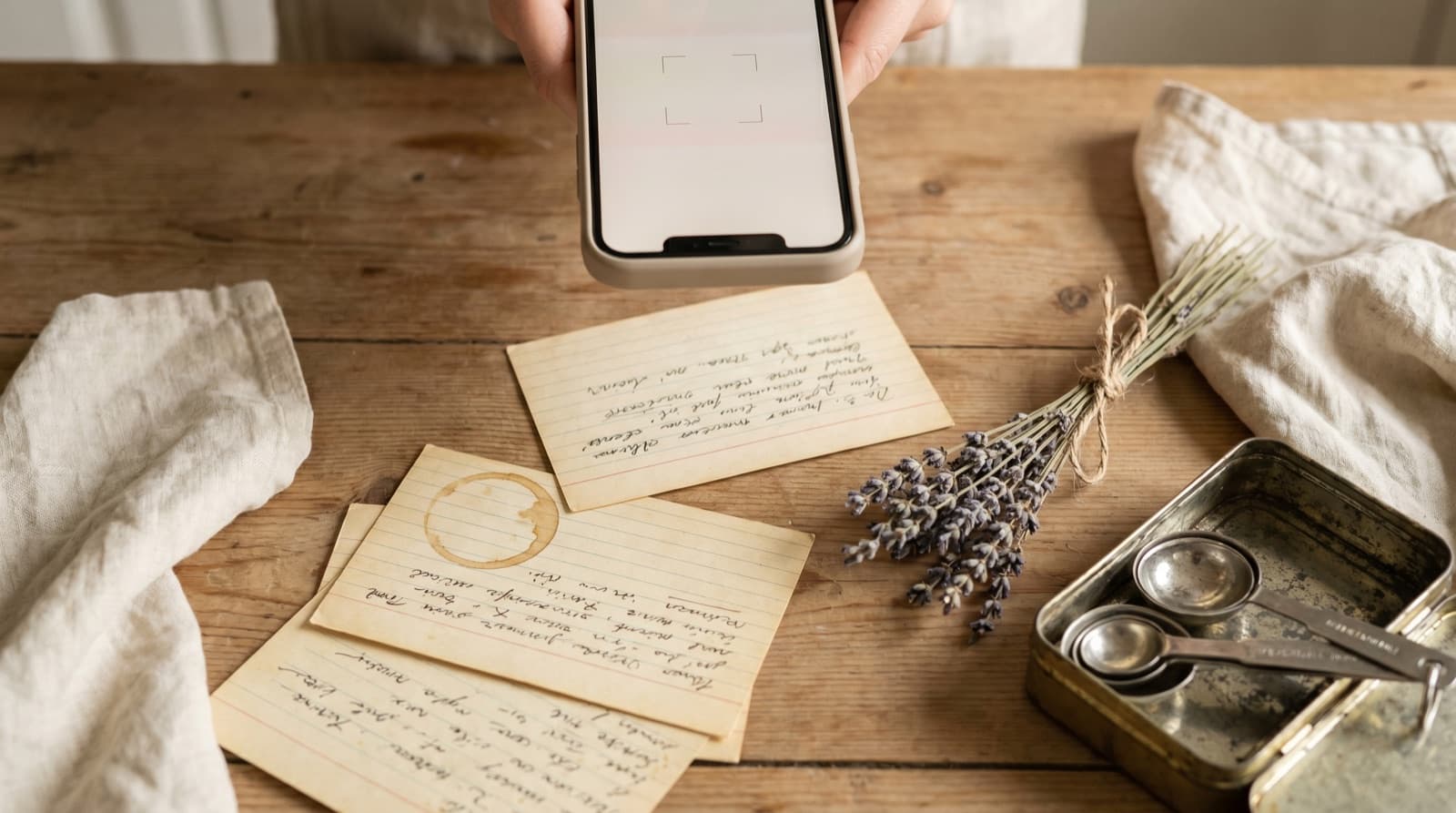
Viber has over one billion registered users and around 260 million monthly actives. It’s the dominant messaging app in the Philippines, where it’s used by an estimated roughly half the population, and in much of Eastern Europe and the Middle East — Greece, Bulgaria, Ukraine, Moldova, and Serbia all rank among Viber’s top markets. In those communities, Viber group chats are where family recipes, regional dishes, and holiday cooking tips get shared, forwarded, and immediately buried under everything else that gets sent in the same chat.
The core problem is familiar if you’ve ever tried to find a recipe in WhatsApp or Line: a messaging app designed for real-time conversation is a terrible archive. But Viber has a few specific features — Communities, Channels, Liked Messages — that change the approach slightly from other platforms. Here’s how to handle each.
Why Viber Loses Your Recipes
The structural issues with Viber as a recipe store:
- Filipino and Eastern European family chats are extremely active. A Filipino family Viber group — often spanning multiple generations and time zones — generates a constant stream of news, photos, voice messages, and reaction stickers. A recipe posted on Monday is 400 messages deep by Wednesday evening.
- Search only works within individual chats. Viber’s search is per-conversation. If you remember the recipe but not which group it arrived in — the extended family chat, the neighbourhood group, or the cooking Community — you have to search each one separately. There’s no global message search across all your Viber conversations at once.
- Search doesn’t index images. If the recipe was shared as a photo of a handwritten card, a screenshot from a recipe website, or a scan of a printed cookbook page, Viber’s search won’t find the text inside the image.
- Message history disappears after reinstalls. If you reinstall Viber, switch phones, or don’t have a backup configured, older message history may not be recoverable — Viber keeps some history server-side, but restoring across devices is not guaranteed and varies by platform. A recipe from two years ago may simply be gone.
- Liked Messages has no export. Viber’s double-tap like is a quick in-chat flag, but liked messages are only viewable within the conversation that contains them — there’s no cross-chat view, no export, and no ingredient search. If Viber changes how the feature works, your flagged recipes change with it.
How to Save a Recipe from a Viber Group Chat
For a typed recipe in a message
- Find the message in the group chat. If it’s recent, scroll up. If it’s older, tap the magnifying glass at the top of the conversation and search for a key word from the recipe — a main ingredient, the dish name, or the sender’s name.
- Long-press the message bubble. A context menu appears. Tap Copy to copy the full message text to your clipboard. On some versions of Viber, you can also double-tap the message to like it as a quick flag if you’re mid-conversation and want to come back to it.
- Open Pantree and tap the plus icon to start a new recipe.
- Paste the text. Pantree parses unstructured text and separates ingredients from method steps. “500g chicken thighs” becomes a structured, scalable ingredient. If the recipe spans multiple messages — a common pattern when someone types a recipe in several chunks — copy and paste each one in sequence, then tidy up any duplicates.
- Add a title, review and save. The recipe is now searchable by ingredient, scalable for any serving size, and not at risk of disappearing the next time someone’s grandmother sends forty cat photos.
For a recipe posted as a photo
- Tap the photo in the conversation to open it full-screen. Tap the download icon (downward arrow) or tap the share icon and choose “Save to Gallery” — this puts a copy in your phone’s photo library.
- Open Pantree, tap the plus icon, and choose the photo import option.
- Select the saved photo. Pantree uses OCR to read the recipe text from the image, handling typed recipes, printed cards, handwritten notes, and screenshots from recipe websites. Viber compresses images in group chats, so very low-resolution photos may need a small manual correction — but it’s still faster than retyping a full recipe.
- Review and save.
Using Viber’s Liked Messages as a Staging Area
Double-tapping any Viber message places a heart reaction on it. In some versions of Viber, you can tap the conversation name or the info icon at the top of a chat and find a “Liked Messages” or “Starred Messages” view that lists everything you’ve hearted in that conversation.
This is a useful quick-capture habit: when you spot a recipe in a busy group chat, double-tap to like it immediately. Then, once a week, work through the liked messages in each of your chats and move anything recipe-shaped into Pantree. This two-step approach works because it decouples “I should save this” (which happens in a split second while you’re reading the family chat) from “I should process this properly” (which needs two focused minutes at a desk).
What Liked Messages doesn’t solve: recipes you want to access on a non-Viber device, ingredient search across your whole collection, scaling for a different serving size, or a shopping list. Those only get solved by moving the recipe somewhere that isn’t Viber.
Saving Recipes from Viber Communities
Viber Communities are public groups that can hold up to one billion members — anyone can join without an invitation from the admin. This makes them popular for interest-based communities: Filipino home cooking groups, Greek regional cuisine communities, Romanian recipe exchanges, and Middle Eastern food groups all share tested recipes in Viber Communities that can run to tens of thousands of members.
The problem: Communities are extremely active. A large Filipino cooking Community might see hundreds of posts a day, with recipes shared alongside photos, questions, and commentary. Any recipe you spot is in an instant-scroll race against the next post. Many Communities also allow admins to remove members, and if the Community closes, the entire message history becomes inaccessible.
Treat any recipe in a Community as time-sensitive: either save it immediately using the long-press → Copy workflow, or at least like it so you can find it in the liked-messages view before it scrolls out of reach. Pinned messages in Communities — check the top of the chat — often contain the most popular or foundational recipes the Community has tested and trusts.
Saving Recipes from Viber Channels
Viber Channels are one-way broadcast accounts used by food brands, supermarket chains, and recipe creators to send content to subscribers. In the Philippines, brands like Knorr Philippines and local supermarket chains use Viber Channels to share weekly recipe inspiration. In Greece, food companies and cooking personalities post seasonal recipes through Channels. The BBC Good Food brand has also run Viber Channel campaigns in its target markets.
Channel posts behave like a one-way feed: they scroll out of view, there’s no save-and-search function, and there’s no way to export Channel history. If a Channel post includes a link to a recipe page on the brand’s website, copy the URL and import it into Pantree directly — that’s the fastest route and captures the full recipe even if it’s long. For recipes posted as text or images within the Channel feed itself, use the same approach as a group message: long-press to copy, or save the image to your gallery and import via OCR.
One practical tip: if you follow a food brand or recipe creator on a Viber Channel and they post regularly, treat each recipe post as a notification to process within the same day. Recipes are easiest to rescue when they’re at the top of the feed.
What About Links to Recipe Websites in Viber?
Many recipes circulating in Viber aren’t typed directly into the chat — they arrive as links to recipe websites, food blogs, or YouTube videos. When someone shares a URL, tap it to open it in the browser, then copy the full URL and paste it into Pantree’s URL import field. Pantree will fetch the page and extract the recipe — title, ingredients, method — into a structured card. This is faster than copy-paste and captures the full recipe in one step, even if the original page is long or image-heavy.
For recipes shared from YouTube or TikTok (a common pattern in Filipino cooking groups), the YouTube guide and TikTok guide cover the specific workflow for pulling a recipe out of a video that may only state the recipe verbally or in the caption.
Related Guides
If recipes also arrive via other messaging platforms, we’ve written specific guides for WhatsApp, Telegram, WeChat, Line, KakaoTalk, Signal, and SMS and Android Messages. For recipes spotted on short-video platforms, the TikTok guide and YouTube guide cover the same underlying challenge in a different format.
Frequently Asked Questions
Can I search for a recipe inside a Viber group chat?
Viber has a search function inside each conversation — tap the magnifying glass at the top of the chat to search message text by keyword. It searches typed text only, not image content or file attachments, so a recipe shared as a screenshot won't be found this way. The search is per-conversation: there's no global search across all your Viber chats at once. If you can't remember which group the recipe arrived in — family chat, friends' chat, or a Community — you have to search each one manually. Use keyword search as a first step, but for anything older than a few weeks it's often faster to just scroll.
What is Viber's 'Liked Messages' feature and can I save recipes there?
Viber lets you 'like' any message by double-tapping it — a heart icon appears on the bubble. Some versions of Viber let you view all liked messages in a conversation by tapping the conversation name at the top and selecting 'Liked Messages'. This is a quick way to flag a recipe in the moment without leaving the chat. The problem is it's per-conversation only — you can't see all liked messages across all Viber chats in one place, and there's no export function. Use it as a rough flag when you spot a recipe, then process the flagged messages into Pantree at a convenient moment.
How do I save a recipe posted as a photo in Viber?
Tap the photo in the conversation to open it full-screen, then tap the download icon (downward arrow) or share icon and choose 'Save to Gallery' — this puts a copy in your phone's photo library. From there, open Pantree, tap the plus icon, and use the photo import option. Pantree uses OCR to extract recipe text from the image, handling typed recipes, printed recipe cards, and even handwritten notes. Viber compresses images shared in group messages, so very low-resolution photos may need a small manual correction after OCR, but it's still much faster than retyping.
What about recipes from Viber Channels?
Viber Channels are one-way broadcasts used by food brands, supermarkets, and recipe creators. In the Philippines, brands like Knorr, Nestle and local supermarket chains use Viber Channels to send recipe content to subscribers. In Greece, food brands and cooking personalities send seasonal recipes through Channels. The same problem applies: Channel posts scroll out of view, there's no save-and-search function, and there's no way to export Channel history. If a Channel post includes a link to a recipe website, copy the URL and import it into Pantree directly. For text or image recipes posted in the Channel itself, use the same copy-or-save approach as a group message.
How is saving recipes from Viber different from WhatsApp or Telegram?
The core challenge is identical: a messaging app designed for real-time conversation is a terrible recipe archive, and recipes scroll away. The specific mechanics differ slightly. Viber's 'Liked Messages' is a quick in-chat flag, similar to WhatsApp's starred messages — both are per-chat and don't export. Telegram has 'Saved Messages' (a personal cloud inbox accessible from any device), which is a better staging area than either Viber or WhatsApp. Viber Communities are closer to Telegram channels in function than to WhatsApp groups. But regardless of platform, the import-to-Pantree workflow is the same once you have the recipe text or image.
What are Viber Communities and how do they work for recipes?
Viber Communities are large public groups — up to 1 billion members — that anyone can join without an invitation. They're different from regular Viber group chats (which cap at 250 members and require the admin to add you). Filipino cooking communities, Greek regional cuisine groups, and Eastern European home-cook communities all share recipes in Viber Communities. The challenge: Communities are extremely active, messages scroll away fast, and you can lose access if the Community is closed. Any recipe worth keeping from a Community should be saved using the same workflow as a regular group message — copy the text or save the image, then import into Pantree.
Get your Viber recipes somewhere permanent.
Pantree turns pasted or photographed recipe text into a structured recipe card with a built-in shopping list — searchable, scalable, and not locked inside any single app.
