How to Save Recipes from Signal (Chats, Notes & Disappearing Messages)
Signal’s disappearing messages are an excellent privacy feature and an appalling recipe storage system. Here’s how to get recipes out before the timer runs out.
Signal has around 40 million active users, with particularly strong adoption in the UK, Germany, and across privacy-conscious communities worldwide. If you are in any group that cares about not being data-mined — journalists, activists, expat communities, families who moved away from WhatsApp after Meta’s 2021 terms-of-service change — you are probably in at least one Signal group where recipes get shared.
The problem is structural. Signal was designed to protect the contents of your messages, not to store them as a useful long-term archive. Disappearing messages, no cloud backup, limited search, no message bookmarking: all of these are privacy features that make Signal genuinely better at its core job than WhatsApp or iMessage. They are also, collectively, the worst possible environment for saving a recipe you want to cook from in six weeks.
Why Signal Is Particularly Bad for Recipes
Disappearing messages delete things you actually wanted to keep
Signal’s disappearing message timer can be set by any participant in a 1:1 conversation and by admins in group chats. Common settings in privacy-focused groups are one week or four weeks. This means a recipe your friend shared on Monday could legally not exist on your device by the following Monday, regardless of whether you cooked it, saved it, or even noticed it disappearing.
You have no warning when a message is about to expire unless you go looking for the small timer icon. You cannot override the group’s timer on your own device unless you are an admin. The recipe is just gone, along with the thread context, the photo of how it looked, and the follow-up comments about what substitutes worked.
Note to Self becomes a graveyard of good intentions
Note to Self — Signal’s personal clipboard conversation — is one of the app’s genuinely useful features for quick saves. When someone shares a recipe link in a group chat, copying it to Note to Self feels like saving it. It is not. Note to Self is a flat scroll of everything you have ever pasted there: recipe links mixed with one-time codes, delivery tracking numbers, that article you were going to read, and a screenshot from three months ago you no longer recognise.
There is no search by ingredient within Note to Self. There is no way to separate recipes from other notes. There is no folder or tag system. You cannot build a shopping list from it. It is, in functional terms, the same problem as the Apple Notes recipe graveyard that so many people have, except encrypted.
Signal does not back up to the cloud by default
Unlike WhatsApp, which backs up message history to iCloud or Google Drive automatically, Signal intentionally avoids cloud backup to protect your privacy. On iOS, Signal offers no backup at all — if you lose or replace your phone without completing a device transfer, your entire Signal message history is gone. On Android, Signal offers an encrypted local backup you have to opt into and manage yourself.
For ordinary messages, this trade-off is reasonable. For a recipe someone typed out in full in a group chat, it means the only copy of that recipe lives on your phone, and one dropped handset is enough to lose it permanently.
How to Save Recipes from Signal
Method 1: Copy the text and paste into Pantree
For recipes shared as text in a Signal message — a typed-out method, a pasted recipe from somewhere else, or a friend’s own version of a dish — long-press the message to select it, copy the text, switch to Pantree, and paste it into the text import. The app parses the ingredients and steps into a structured recipe with a searchable ingredient list.
Do this as soon as you see the recipe, not later. If the group has a disappearing message timer, you are working against a clock you may not have checked. The copy takes ten seconds. The loss, if you miss the timer, is permanent.
Method 2: Copy the URL for linked recipes
If the message contains a link to a recipe on a blog, newsletter, or cooking website, long-press the link, copy it, and paste it into Pantree’s URL import. Pantree fetches the page and extracts the recipe — the same way it handles any recipe website. The original Signal message can then expire without consequence, because the recipe is now in your library as a structured document rather than a link to a third-party URL that could itself disappear.
Method 3: Import recipe images via camera
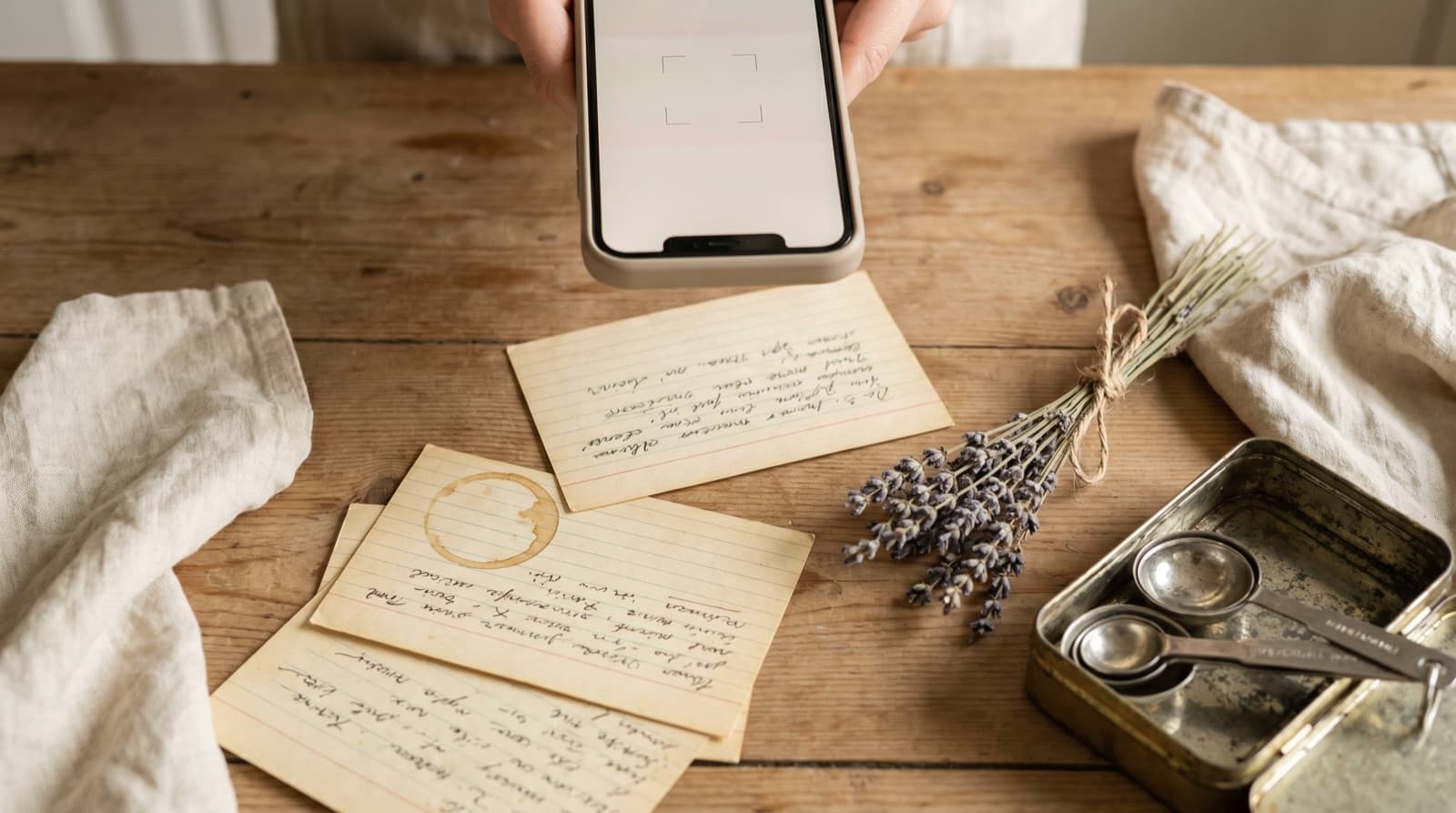
Recipes are often shared in Signal as photos — a photo of a cookbook page, a screenshot of another app, a picture someone took of a handwritten recipe card. Save the image from Signal to your camera roll, then import it into Pantree using the camera function. The app reads the text in the image and structures it as a recipe. This is particularly useful for the cookbook-page photos that circulate in family Signal groups, where someone has photographed a recipe they made at Christmas and wants to share it.
Method 4: Transcribe voice notes
Voice notes are common in Signal, particularly in family groups and with contacts who prefer speaking to typing. A friend describing a recipe while cooking, a parent talking through how they make their version of a dish, a voice message sent because the method was too long to type: all of these are recipes that exist as audio and nowhere else.
Play the voice note through once with the ingredients in mind, then type the key quantities and steps into Pantree. Most spoken recipes are faster to transcribe than they sound — five minutes of audio usually contains about two minutes of actual recipe information. The result is a proper recipe in your library rather than a voice note that will expire with the rest of the message thread.
Signal Channels and Recipe Creators
Signal Channels, introduced in 2023, allow creators to broadcast to subscribers without the creator seeing who follows them. A small number of food writers and recipe developers have started using Channels as a privacy-respecting alternative to newsletter platforms — no ads, no tracking, no one selling your reading habits.
The limitation is discovery: Channels are harder to find than newsletters or social accounts, and channel history is not indexed by search engines. But if you follow a food Channel on Signal, the same rule applies as everywhere else — when a recipe appears that you want to cook, save it to Pantree immediately rather than trusting the channel history to surface it when you need it. Signal Channels do not have a disappearing message timer by default, but they are not searchable by ingredient, and a creator can delete a channel at any time.
What You Get Once It’s in Pantree
A recipe saved from Signal into Pantree behaves identically to any other recipe in your library, regardless of how it arrived.
- Search by ingredient. When you have courgettes to use up and want the recipe from that Signal message your friend sent in June, searching “courgette” in Pantree finds it — along with every other recipe in your library that uses one.
- Scale it. Your friend’s recipe serves two. You need it for eight. Pantree adjusts every quantity automatically.
- Build a shopping list. Pantree generates a shopping list from any recipe, sorted for a real supermarket trip. No squinting at a voice note while navigating the dairy aisle.
- Cook in step mode. Pantree walks you through the recipe one step at a time, ticking off ingredients as you go. Significantly better than scrolling back through a Signal thread with floury hands.
- Keep it permanently. Once the recipe is in Pantree, the Signal message it came from can expire, the group can be deleted, the sender can lose their phone — none of it matters. The recipe is yours now.
The Broader Pattern
Signal is the most extreme version of a problem that affects every messaging app: WhatsApp, iMessage, and Telegram all have the same fundamental issue of good recipes arriving in a chat interface that is not designed to store or organise them. Signal just adds the extra wrinkle that the messages may be set to self-destruct.
The fix is the same across all of them: treat the messaging app as a delivery channel, not a storage system. When a good recipe arrives in Signal — from a group chat, a voice note, a shared link, a Note to Self you finally got around to — move it to Pantree in that moment. The ten seconds it takes is an investment against the alternative, which is losing it to a timer you did not set.
Frequently Asked Questions
Does Signal have a way to save or star messages?
Signal does not have a native bookmark or star feature for individual messages. You can pin a message within a chat for a short period, and the Note to Self conversation acts as a personal clipboard — but neither is a searchable recipe library. There is no folder system, no ingredient tagging, no way to surface a recipe you pinned three months ago without scrolling back through the conversation. Anything worth keeping long-term needs to leave Signal entirely.
What are Signal's disappearing messages, and why do they affect recipes?
Signal lets users and groups set a timer on all messages — after a chosen window (anywhere from 30 seconds to four weeks), every message in the thread auto-deletes from both devices. This is excellent for private communication and genuinely terrible for recipes. If someone shares a recipe in a group chat that has a one-week disappearing message timer — which is common in privacy-conscious groups — the recipe will be gone from your device in seven days regardless of whether you cooked it. You have no control over the timer unless you own the group or the 1:1 conversation.
I use Note to Self in Signal as a recipe dump. What's the problem?
Note to Self is Signal's personal clipboard — a conversation with yourself where you can paste links, type notes, and save images, all end-to-end encrypted and synced across your devices. The problem is it is a flat, unstructured pile. You cannot tag notes, search by ingredient, or organise recipes into collections. After a few months of pasting recipes into Note to Self, you have a long scroll of unrelated links and text blobs with no practical way to find the courgette fritter recipe from March. It is the digital equivalent of a kitchen drawer.
Can Signal Channels be used to follow recipe creators?
Signal Channels (launched in 2023) let creators broadcast to subscribers without the creator seeing who is following. Some food writers and recipe developers use Channels to share recipes privately and without ads. The limitation is the same as other broadcast formats: there is no way to search your channel history by ingredient, the posts scroll away, and if the creator stops posting or deletes the channel, everything goes with it. Signal Channels are a good discovery tool; they are not a recipe library.
Is it safe to copy a recipe out of Signal?
Yes. Copying text or a link from a Signal message to another app on your own device does not affect the encryption of the original message or compromise anyone's privacy. Signal encrypts messages in transit and on-device — once you read a message, you can use the information in it as you would any other information you receive. Saving a recipe someone shared with you to your personal recipe library is no different from writing it down in a notebook.
What if the recipe was shared as a voice note or an image?
Voice notes and photos are the two most common non-text recipe formats in Signal. For a voice note — someone describing a recipe while cooking — play it through and type out the key steps and quantities into Pantree's text import. It takes three to five minutes and produces a proper searchable recipe from what was an ephemeral audio message. For a recipe image (a photo of a cookbook page, a screenshot of another app, or a recipe card photo), save the image to your camera roll and import it into Pantree via the camera function. The app reads the text in the image and structures it as a recipe.
Stop losing recipes to Signal’s disappearing messages.
Paste the text or link into Pantree and get a structured, searchable recipe with a shopping list — permanently yours, independent of any message timer. Free on the App Store.
