How to Save Recipes from WeChat (Moments, Group Chats & Channels)
Your auntie posted her char siu recipe in the family group chat three years ago. It’s technically still in there. Good luck finding it.
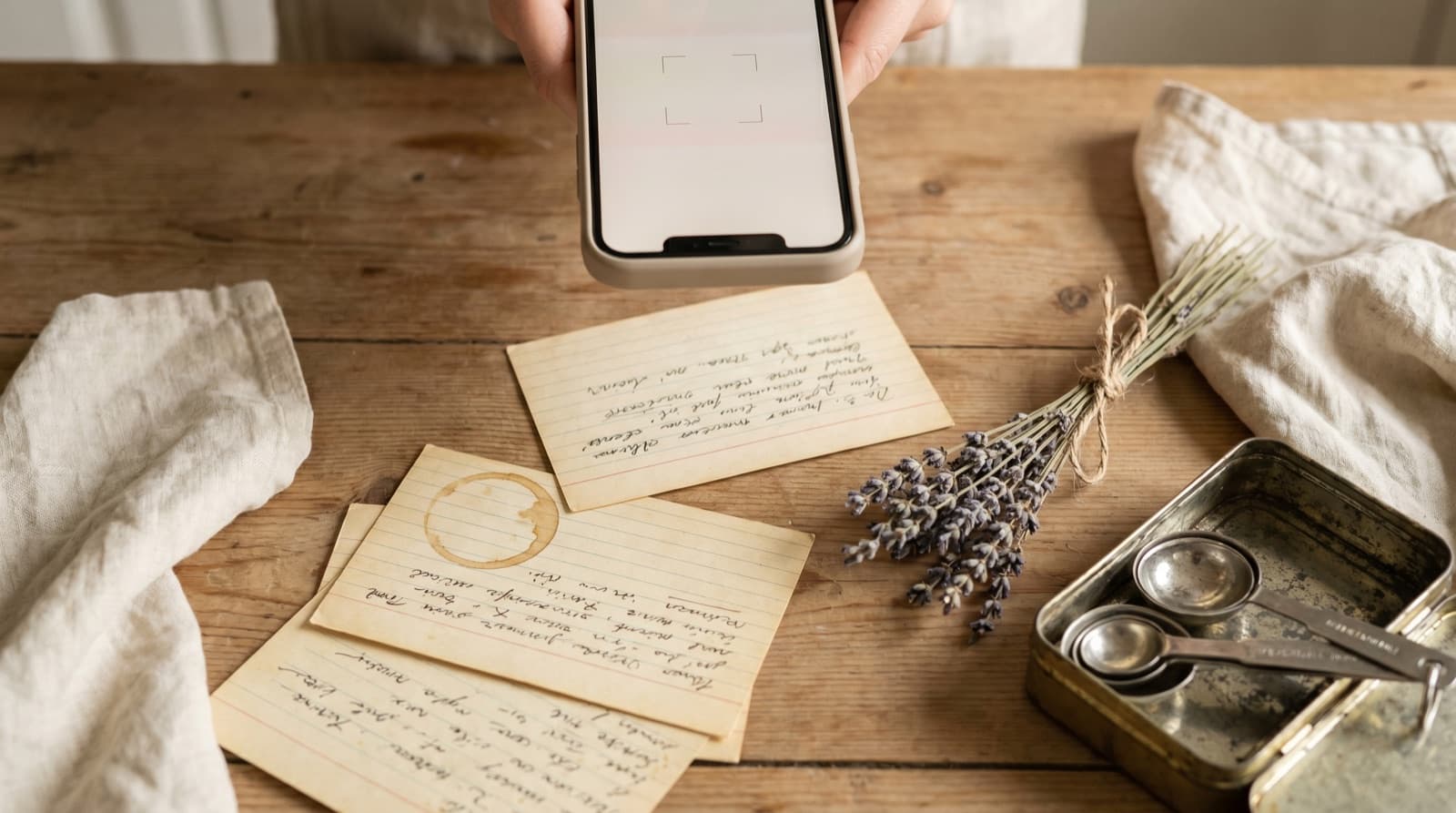
WeChat has 1.3 billion monthly active users. A significant proportion of them are part of family group chats, neighbourhood chats, and cooking communities where recipes circulate constantly. Someone’s grandmother shares her braised pork belly method. A cousin posts a claypot rice technique she spent three years perfecting. A friend in Guangzhou posts a milk bread recipe to Moments that you save to Favorites and forget about.
WeChat is one of the best recipe distribution channels in the world — and one of the worst recipe storage systems. There is no dedicated save function. WeChat Favorites (收藏) is the closest thing, and it works, but it keeps your recipes inside WeChat with no export option. The search is unreliable for older messages. And if you ever leave the platform, every recipe you’ve saved there goes with it.
This is a surprisingly common problem that rarely gets written about, because most recipe-organisation guides assume you’re working from English-language sources. Here’s the WeChat-specific version.
Why WeChat Is a Recipe Graveyard
The structural issues with WeChat as a recipe archive:
- Group chats fill up fast. An active family group chat in WeChat can generate hundreds of messages a day — news links, voice notes, photos of the grandchildren, sticker packs. Recipes get buried within hours. WeChat group chats have a message history limit on older devices, and scrolling back through months of content is genuinely unpleasant.
- Search doesn’t index images. If the recipe was posted as a photo of a handwritten card, a screenshot of a recipe site, or a photo of food with the recipe in the caption, WeChat’s search won’t find the text inside the image. You need to remember who posted it and roughly when.
- Moments content disappears. If someone deletes a Moments post after you’ve seen it, it’s gone — your Favorites copy stays, but only if you thought to save it in time. Moments posts also aren’t searchable in the same way chat messages are.
- Mini Program recipes are fragile. WeChat Mini Programs like Xiachufang (下厨房) and Douguo (豆果美食) host millions of recipes inside WeChat. Mini Programs can be updated or pulled by developers at any time. A recipe you bookmarked in a Mini Program last year may no longer exist.
- WeChat Favorites has no export. The closest thing WeChat has to a recipe saver is 收藏 (Favorites): tap and hold a message, tap More, tap the bookmark icon. This keeps a copy inside WeChat that persists even if the original message is deleted. But there’s no way to export your Favorites to another app. If you ever migrate away from WeChat — or if Tencent changes how the feature works — your collection goes with it.
How to Save a Recipe from WeChat Group Chat
For a typed recipe in a message
- Find the message in the group chat. If it’s recent, scroll up. If it’s older, tap the search icon at the top of the chat window and search for a word from the recipe.
- Tap and hold the message bubble. A menu appears. Tap “More” (more options icon or “...”), then tap the copy icon. This copies the message text to your clipboard.
- Open Pantree and tap the plus icon to start a new recipe.
- Paste the text into the ingredients or method field. Pantree parses unstructured text: “猪五花 500g” (pork belly 500g) becomes a structured, scalable ingredient. If the recipe spans multiple messages, copy and paste each one in sequence.
- Add a title, review and save. The recipe is now searchable by ingredient, scalable for any serving size, and not buried in a group chat that hasn’t paused since 2019.
For a recipe posted as an image
- Tap and hold the image in the conversation. Tap “Save to Album” — this puts a copy in your phone’s camera roll or Photos app.
- Open Pantree, tap the plus icon, and choose the photo import option.
- Select the saved image. Pantree uses OCR to read the recipe text from the photo, handling typed recipes, printed cards, and handwritten notes. WeChat often compresses group chat images, so if the resolution is low the OCR may need a small manual correction — but it’s still significantly faster than retyping.
- Review and save.
Saving Recipes from WeChat Moments
Moments (朋友圈) posts can contain recipes in the caption text, in an attached image, or as a link to an article. The workflow depends on the format:
- Caption text: Tap the post to expand it, then tap and hold the caption text. WeChat allows you to select and copy text from Moments captions. Copy the recipe text and paste into Pantree.
- Image: Long-press the image, tap “Save”, then import into Pantree using the photo OCR option.
- Linked article: Open the article link inside WeChat, then use the share menu to open it in your external browser. From there, copy the recipe text as you would from any website, or use Pantree’s web import if the recipe site is in a standard format.
One thing to do immediately when you see a Moments recipe you want: add it to WeChat Favorites before you close the post. If the original poster deletes the Moment later, you’ll lose access unless you saved it. Favorites buys you time; Pantree is the permanent home.
Saving Recipes from WeChat Channels (视频号)
WeChat Channels is a short-video platform built into WeChat, similar to Douyin or TikTok. Food content is popular there, and many creators post full recipes in the video caption or the pinned comment below the video.
The process for Channels recipes:
- If the recipe is in the caption: Tap the caption text to expand it. Long-press the text, copy, then paste into Pantree.
- If the recipe is narrated or shown in the video: There’s no automated transcript available inside WeChat. Watch the video and type the recipe into Pantree as you go, or leave a comment asking the creator to post the ingredients in text — most will.
- If there’s a linked Mini Program with the recipe:Open the Mini Program, screenshot the recipe page, and import the screenshot into Pantree via photo OCR. This is the safest approach since Mini Programs can be updated or removed.
The WeChat Favorites Strategy (and Its Limits)
WeChat Favorites (收藏, accessible from Profile → Favorites) is a sensible temporary holding area. When you spot a recipe worth keeping in a group chat or on Moments, save it to Favorites immediately. It doesn’t matter if you can’t process it right now — the Favorites copy is safe from group chat deletion and Moments post expiry.
Then, once a week or so, go through your Favorites and move anything recipe-shaped into Pantree. This two-step approach — Favorites as a staging area, Pantree as a permanent library — works well because it decouples “I should save this” (which happens in a split second while scrolling) from “I should process this properly” (which needs two minutes of focus).
What Favorites doesn’t solve: recipes shared from contacts outside your network, Mini Program recipes you didn’t Favorite before the Mini Program was updated, or anything you want to access on a non-WeChat platform. Those only get solved by moving the recipe somewhere that isn’t WeChat.
What About Recipes in WeChat Mini Programs?
Xiachufang (下厨房) is the largest dedicated recipe Mini Program inside WeChat, with over 60 million registered users according to its 2024 annual report. Douguo (豆果美食) is another. If you use either of these inside WeChat, the recipe content is at the mercy of the Mini Program developer — updates, restructures, and app discontinuation can all affect your saved content.
The same applies to recipes you find in brand Mini Programs (supermarket recipe apps, kitchen equipment brands) and restaurant Mini Programs. For any recipe in a Mini Program you care about, the safest move is to screenshot it and add it to Pantree while you can still see it.
For recipes in Xiachufang specifically: the app does have its own favourites system, but as with WeChat Favorites, it’s not portable. If you want those recipes in a form you own, the screenshot-and-OCR approach is currently the most reliable method.
Related Guides
If recipes also arrive via other messaging platforms, we’ve written specific guides for WhatsApp, Telegram, Signal, and SMS and Android Messages. For recipes spotted on short-video platforms outside WeChat, the TikTok guide and YouTube guide cover the same underlying challenge.
Frequently Asked Questions
Can I search for a recipe inside WeChat?
WeChat has a search function (tap the magnifying glass at the top of the Chats tab), but it searches message content across conversations in a limited way. It works best for recent messages; for anything more than a few weeks old, results become patchy. It also can't search inside images or video content. If you remember the sender's name or a key word from the recipe, the search can narrow things down — but it's not reliable enough to replace actually saving the recipe somewhere permanent.
What is WeChat Favorites and can I use it to save recipes?
WeChat Favorites (收藏) is built into the app — tap and hold any message, then tap 'More' and 'Add to Favorites'. It saves a copy of that message inside WeChat. This is better than nothing: the saved version persists even if the original message is deleted from the group, and it doesn't expire. The problem is it's still a WeChat-only store with no export, no search by ingredient, and no scaling. If you uninstall WeChat or switch platforms, those favorites go with it. Use Favorites as a temporary staging area, then move recipes to Pantree for a permanent, portable copy.
How do I save a recipe posted as an image on WeChat?
Long-press the image in the conversation or Moment, tap 'Save to Album', and it goes to your phone's photo library. From there, open Pantree, tap the plus icon, and use the photo import option — Pantree uses OCR to extract the recipe text from the image and create a structured card. This handles screenshots of recipe cards, printed pages, and handwritten notes. If the image was sent at low resolution (common in group chats where WeChat compresses media), the OCR may need a minor tidy-up, but it's faster than typing everything manually.
What about recipes on WeChat Mini Programs?
WeChat Mini Programs (小程序) are lightweight apps inside WeChat, and several of them — Xiachufang (下厨房), Douguo (豆果美食), and others — host thousands of recipes you can browse without leaving WeChat. The problem is that Mini Programs can be updated or removed by developers at any time, and you have no guarantee a recipe will still be there when you want to cook it again. If you find a recipe in a Mini Program you want to keep, screenshot it and import it into Pantree as you would any image — or manually recreate the card while you can still see it.
Can I export WeChat Favorites to Pantree automatically?
There's no direct integration between WeChat and Pantree — WeChat's ecosystem is intentionally closed. The practical route is manual: go through your WeChat Favorites periodically, copy any recipe text out and paste it into Pantree, or save any recipe images to your camera roll for OCR import. Some users do a monthly 'recipe rescue' session: scroll through Favorites, process anything recipe-shaped into Pantree, and clear the queue. Twenty minutes once a month beats hunting through WeChat at 6pm on a Tuesday.
What about recipes shared in WeChat Channels (视频号)?
WeChat Channels (视频号) is WeChat's short-video platform, and food content there often includes full recipes in the video caption or the comment section below. The video itself plays in-app without a save-for-later button. If the recipe text is in the caption, long-press it to copy, then paste it into Pantree. If the recipe is narrated or shown visually in the video without a written version, you'll need to watch and transcribe — or leave a comment asking the creator to post the ingredients, which many will.
Get your WeChat recipes somewhere permanent.
Pantree turns pasted or photographed recipe text into a structured recipe card with a built-in shopping list — searchable, scalable, and not locked inside any single app.
