How to Save Recipes from YouTube (So You Actually Cook Them)
You’ve saved 200 cooking videos to Watch Later. You’ve actually cooked about four of them. Here’s why a playlist of beautiful food videos almost never becomes dinner, and how to save YouTube recipes so they finally do.
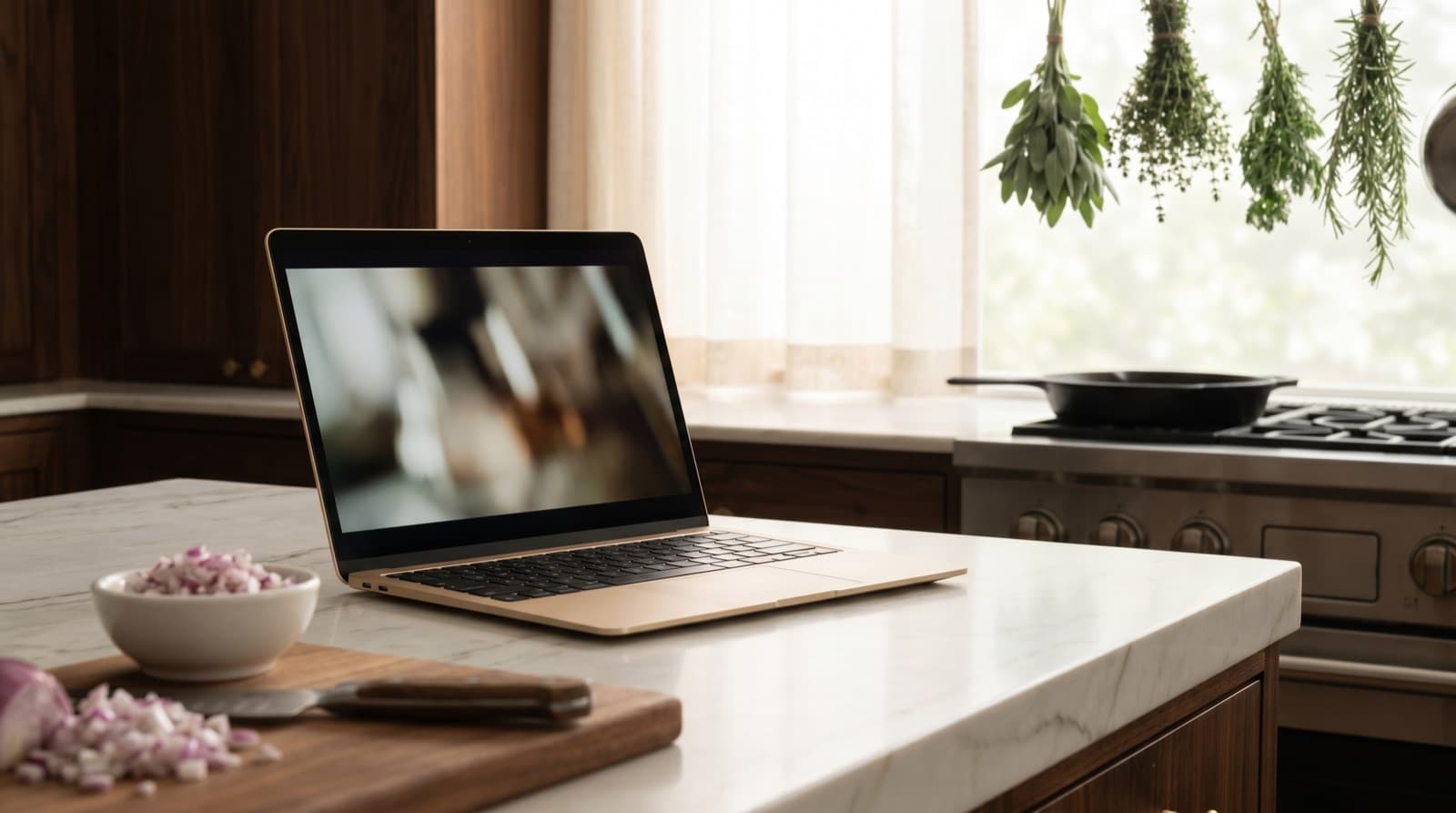
Open YouTube and look at your Watch Later. Be honest. There’s a 22-minute video on the “perfect” weeknight ragù. There’s a Korean fried chicken tutorial you saved at midnight. There’s a whole playlist called “recipes to try” with forty videos in it, thirty-nine of which you have not tried. If someone asked you to cook one of them tonight, you’d open the app, scroll a wall of thumbnails, and quietly order a takeaway instead.
This isn’t a willpower problem. YouTube is arguably the best place on the internet to learn to cook — and a genuinely terrible place to keep a recipe. Watching a recipe and cooking a recipe are two different jobs, and the Save button only does the first one. Here’s why your playlists never turn into meals, and how to fix it without giving up the videos.
Why Your Cooking Playlists Never Become Dinner
Three structural problems quietly turn a “recipes to try” playlist into a scrapbook you never use:
1. A saved video isn’t a recipe — it’s 14 minutes of footage. What YouTube stores is a thumbnail and a link to a video. The actual ingredients and quantities are somewhere inside the voiceover, flashing on screen for two seconds, or — if you’re lucky — pasted into a description box you have to expand and scroll. You can’t see the ingredient list at a glance, can’t scale it for four people, and can’t shop from it without re-watching and scrubbing back to catch “was that one teaspoon or one tablespoon?”
2. There’s no real search. YouTube won’t let you search inside your own saved videos for “what can I make with the chicken thighs and half a lemon in my fridge?” Your playlists are sorted by when you saved them, not by what’s in them. Past a few dozen entries, Watch Later is a wall of near-identical thumbnails — glossy close-ups and shouting capital letters — that you scroll past rather than cook from.
3. The video can vanish. Creators delete videos, switch channels to private, get caught in copyright strikes, or quit altogether. When that happens, the entry in your playlist turns into a greyed-out “unavailable video,” and the recipe goes with it. You never owned that recipe; you owned a pointer to somebody else’s upload, and you don’t control whether it still exists next year.
This is one flavour of a much bigger thing we’ve written about: recipe fragmentation — your cooking ideas scattered across YouTube playlists, TikTok saves, Instagram bookmarks, Pinterest boards, screenshots and a dozen open tabs. Each is a recipe you can almost find. Almost isn’t dinner.
The Ways to Save YouTube Recipes, Ranked
Method 1: Playlists and Watch Later (tidier, not solved)
The obvious move is to stop dumping everything in Watch Later and build proper playlists — “Weeknight dinners,” “Baking,” “Big batch.” Do it; it beats one 300-video heap. But notice what it actually fixes: it organises the thumbnails. You still can’t see an ingredient list, still can’t search by what you have, and the disappearing-video problem is completely intact.
Method 2: Copy the description into Notes (don’t)
Some people copy the ingredient list out of the description box into a notes app. Better than nothing — but now the recipe lives as a wall of unformatted text, unsearchable as a recipe, wedged between a shopping reminder and a Wi-Fi password. There are no real quantities to scale, no shopping list, and half the time the description only links to a blog or a paywalled newsletter rather than the method itself. You’ve swapped one pile for a messier one.
Method 3: Screenshot the on-screen recipe (worse)
Pausing on the frame where all the ingredients flash up and screenshotting it feels clever for about a day. Then the recipe lives in your camera roll, unsearchable, between parking-spot photos and screenshots of things you meant to buy. We go deeper on why this fails in how to organize recipes from Instagram and screenshots.
Method 4: Import the link into a recipe keeper (the fix)
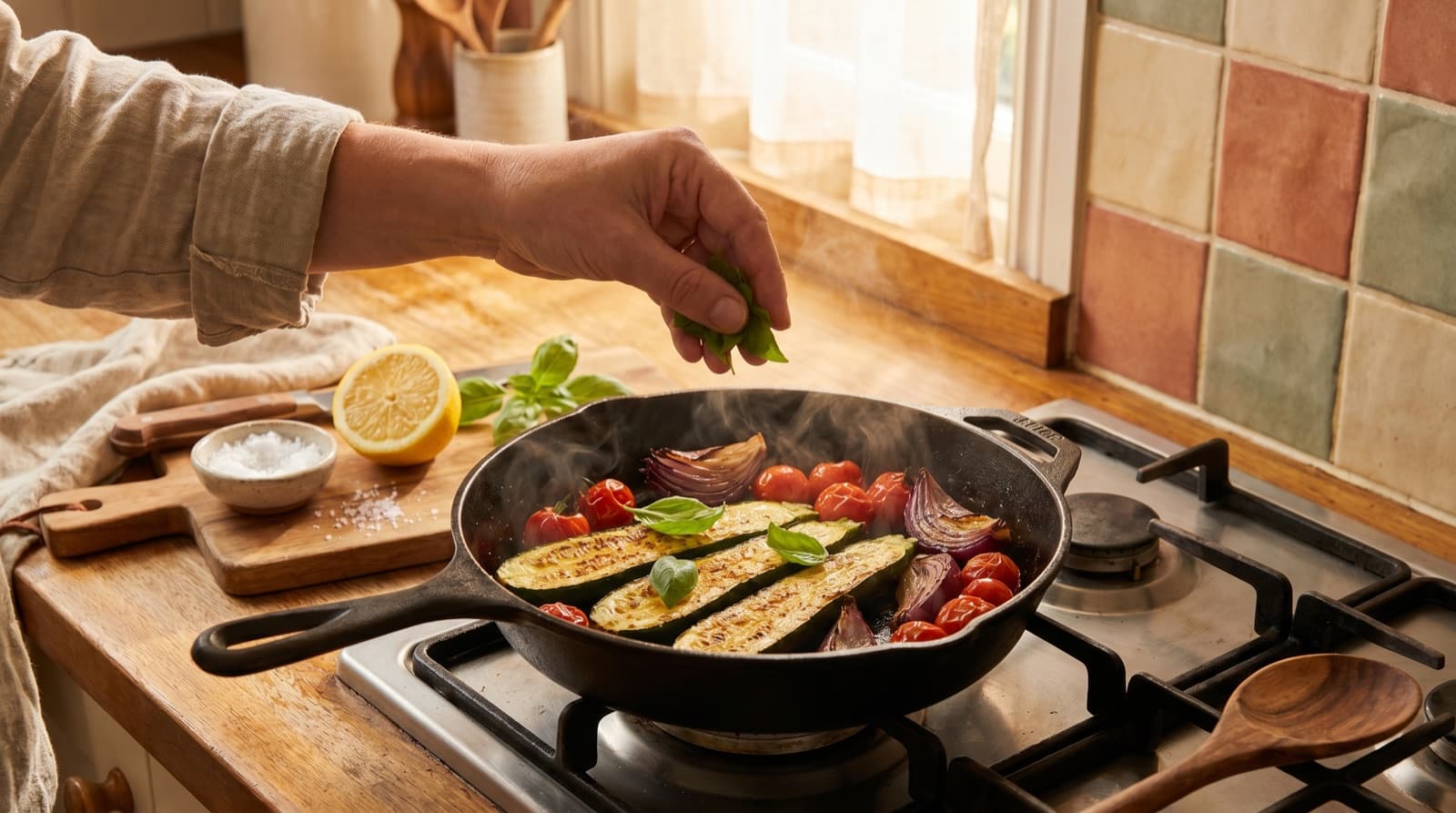
The only approach that solves all three problems is to pull the recipe out of YouTube and into something built for cooking. In Pantree, you share or paste the video link and it extracts the ingredients and method into a clean, editable recipe. Now you have:
- A real ingredient list with quantities you can scale up or down — not a number you half-heard in a voiceover.
- A copy you own. If the video gets deleted or the channel disappears next month, your recipe is still yours.
- One library, every source. The same import works for TikTok, Instagram, Pinterest and recipe blogs, so your saved videos sit next to everything else instead of in their own silo.
- A shopping list, generated for you. The ingredients become a deduplicated list, checked against what’s already in your pantry so you don’t buy a fourth bottle of soy sauce.
That last part is the whole point. A saved recipe is worth nothing until it survives the gap between “that looks incredible” and “this is on a plate.” What kills most YouTube recipes isn’t bad cooking — it’s that nobody ever turned the video into a list of things to buy.
The Five-Minute Workflow That Actually Works
You don’t migrate 200 videos. You migrate the keepers. Here’s the habit worth building:
- Go through a playlist and be ruthless: which videos will you actually cook? Most of any “recipes to try” list is a mood board. Flag the real ones.
- Tap Share and copy the video’s link — that’s the whole recipe handed over in one tap, no scrubbing required.
- Import it into your recipe keeper so the recipe is captured as text you own, with quantities you can scale.
- Before your next shop, pick two or three of your imported recipes and let the shopping list build itself. Stuck on what to make? Start from your fridge instead — our guide on what to cook with what you have walks through that, and how to read a recipe properly helps once a rambling 18-minute video is finally written down like a real recipe.
Do this for a month and the maths shift. A household that cooks the recipes it collects, instead of defaulting to a £30 takeaway because dinner felt like too much decision-making, claws back real money — the kind we broke down in how to save money on groceries. The recipe was never the expensive part. The forgetting was.
The Point
YouTube is a wonderful place to learn to cook and a terrible place to keep what you’ve learned. The Save button gives you the satisfying feeling of having captured a recipe with none of the substance — no ingredients you can shop, no copy you control, no way to find it again under 300 other thumbnails of pasta.
Keep watching; nothing beats it for seeing how a technique actually works. Just don’t mistake the playlist for the recipe box. Pull the keepers into something built for cooking, with a shopping list attached, and your Watch Later stops being a museum of good intentions and starts feeding you this week.
Frequently Asked Questions
How do I save a recipe from a YouTube video?
Inside YouTube the only tools are 'Save to playlist' (Watch Later, Liked videos, or a custom list) — which saves the video, not the recipe. To save the actual recipe you need to capture the ingredients and method as text: either copy them from the video's description box if the creator listed them, or paste the video link into a recipe-keeper app like Pantree that extracts the ingredients and steps for you. A playlist remembers where the recipe is; a recipe keeper remembers what the recipe is.
Why can't I ever find the cooking video I saved?
Because a playlist is a list of thumbnails, not a searchable recipe box. YouTube won't let you search 'what can I make with chicken and rice' inside your own saved videos, and once Watch Later passes a few dozen entries it becomes an unscrollable wall of nearly identical thumbnails. The recipe itself — quantities, timings, the method — is locked inside 14 minutes of video you'd have to re-watch to use.
Do YouTube cooking videos include the recipe in text?
Sometimes. Many creators paste a full ingredient list and method in the description, and some link to their blog or a pinned comment. But plenty bury quantities in the voiceover only, gate the full recipe behind a Patreon or newsletter, or never write it down at all. That's exactly why scrubbing back and forth at 2x speed trying to catch 'was that one teaspoon or one tablespoon?' is the universal YouTube-cooking experience.
Is there an app that extracts recipes from YouTube?
Yes. Pantree lets you share or paste a YouTube link and it pulls the ingredients and method into a clean, editable recipe you own, then builds a shopping list from it. The same import works for TikTok, Instagram, Pinterest and recipe blogs, so every recipe you've collected ends up in one searchable library instead of scattered across playlists, bookmarks and screenshots.
What happens to my saved recipe if the video gets deleted?
If you only saved it to a playlist, it's gone — when a creator deletes a video, goes private, or their channel is taken down, the entry in your Watch Later turns into a greyed-out 'unavailable video' and the recipe vanishes with it. Once you've extracted the recipe into a keeper you own, it survives the video coming down, the channel disappearing, or you simply losing the link.
Should I still use YouTube playlists for recipes at all?
Yes — for discovery and technique. YouTube is unbeatable for watching how a fold, a sear or a lamination actually looks, and a 'recipes to try' playlist is a fine shortlist. The mistake is treating the playlist as your recipe box. Watch to learn the technique, then extract the handful you'll genuinely cook into something built for cooking, with quantities and a shopping list attached.
Stop saving cooking videos you never make.
Paste a YouTube link into Pantree and get a real recipe with a shopping list. Free on the App Store.
