How to Save Recipes from Telegram (Groups, Channels & Forwarded Links)
You joined the expat foodie group for the community. You subscribed to the Persian cooking channel because the recipes looked extraordinary. Now both of them fire a dozen posts a day, you forward the good ones to Saved Messages, and you have cooked from exactly none of them.
Telegram has become one of the richest recipe ecosystems on the internet — and one of the leakiest. Channels dedicated to regional cuisines, group chats where families swap recipes across time zones, expat communities rebuilding home cooking from memory: all of it flows through Telegram at a volume that makes any individual recipe impossible to hold onto.
The problem isn’t that the recipes aren’t good. The problem is that Telegram was built to move information quickly, not to store anything as complex as a dish. A recipe needs ingredients, quantities, steps, a timing, and ideally a shopping list. What Telegram gives you is a message.
Why Telegram Recipes Don’t Stick
Telegram offers several features that look, at first, like a solution.
1. Saved Messages is a better-organised black hole. Every Telegram user has a “Saved Messages” chat — forwarding anything there stores it privately. It’s genuinely useful for addresses, confirmation numbers, and documents you need once. For recipes, it accumulates faster than you cook. You end up with 200 forwarded posts and a search that only finds the word “pasta” across all 200, not the one with the ingredients you actually have.
2. Pinning messages works for a week, not a library. In group chats and channels you manage, you can pin a message to the top of the conversation. Useful for announcements; not useful for a recipe you want to cook in three weeks. The pin gets replaced by the next important message, and the recipe sinks back into the scroll.
3. Telegram search finds words, not recipes. Searching “lemon chicken” in Telegram will find every message in every chat that contains those words — including the one where someone said they were tired of lemon chicken. You cannot search across Saved Messages by ingredient combination, filter by cook time, or generate a shopping list. The search is a full-text message search, not a recipe database.
4. Forwarded links still go back to the original page. If a cooking channel forwards a link to a recipe website, tapping it re-opens that webpage — with the paywall, the autoplay video, the 1,500-word life story before the ingredients. The link is a pointer to a recipe, not a recipe. We covered why saving recipe websites fails for the same reason.
5. Typed-out recipes in group chats have no structure. Someone in your family group types out Grandma’s rice pudding from memory: a handful of this, cook until it smells right, “you know how it goes.” That recipe is in a chat with 47 other people, buried under congratulations on a new baby and a debate about a football match. When you want to cook it, you will scroll for four minutes and probably give up. The same pattern applies on WhatsApp and iMessage — it’s a messaging-app problem, not a Telegram-specific one.
This is recipe fragmentation in its most concentrated form: the same recipe arriving via a channel post, forwarded to a group, forwarded again to Saved Messages, and living usefully in none of those places.
How to Save Recipes from Telegram Properly
If the recipe is a link
Tap the link to open it in your browser. Once the page is open, tap the share icon (iOS: the box-with-arrow; Android: the three-dot menu or share button) and choose Pantree from the share sheet. The app fetches the page and extracts the ingredients and method into a clean, structured recipe — no life story, no pop-ups, no quantities buried three scrolls down.
If the recipe is typed out in a message
Tap and hold the message to bring up the context menu, then select Copy. Open Pantree’s import screen, paste the text, and the app reads the ingredients and steps out of the block of text — even when the formatting is loose or the quantities are approximate. You end up with an editable recipe you can scale and annotate, rather than a message you’ll need to scroll back through to find.
If the recipe is a photo or screenshot
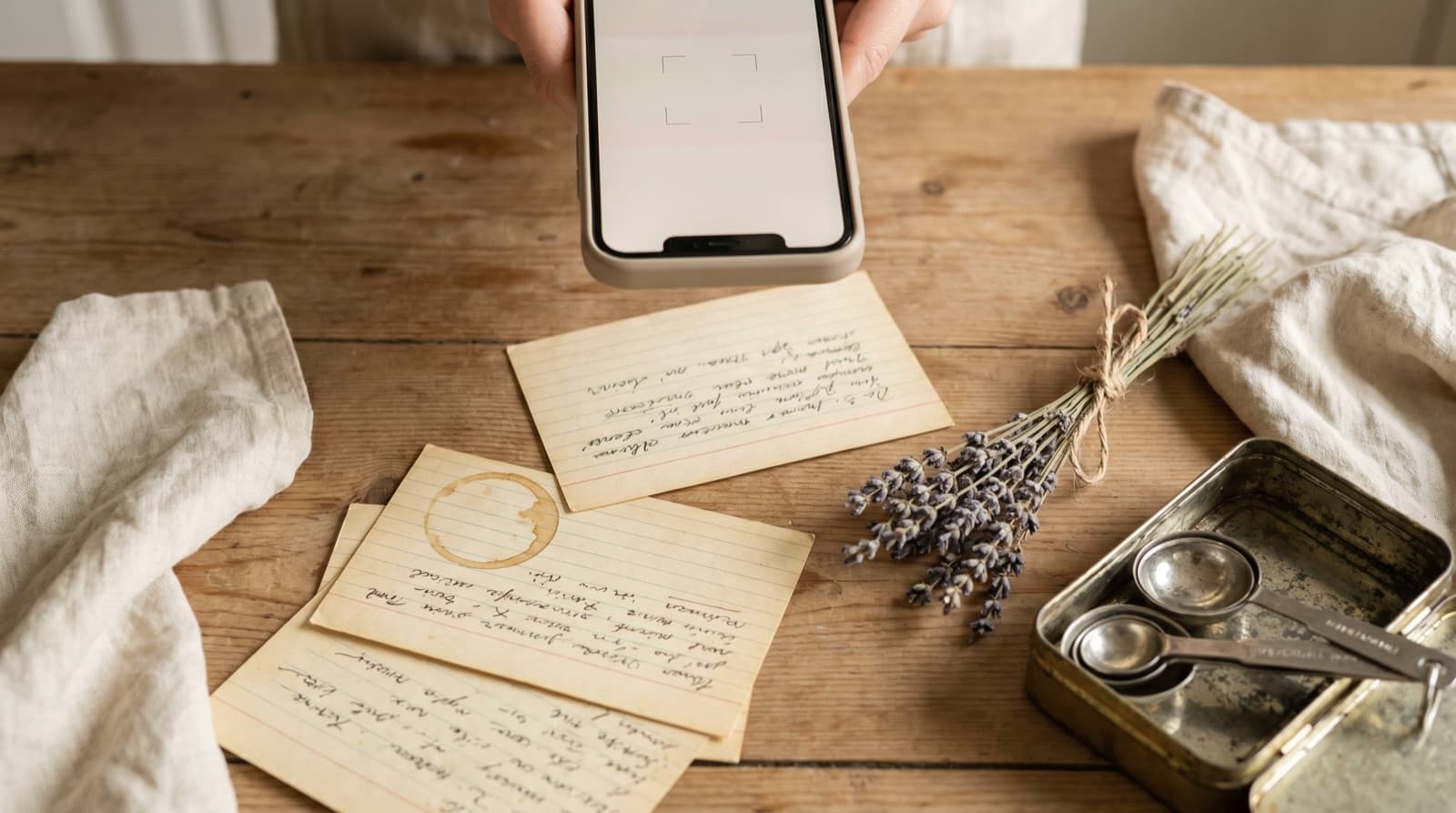
Save the image to your camera roll, open Pantree, and import the photo. The app reads the text from the image and turns it into a structured recipe. This is the same approach we recommend for photographed cookbook pages: the photo is never the final step; the import is.
The Saved Messages buffer
If you’re on the go and can’t import immediately, forward the message to Saved Messages as a temporary holding spot — and then actually import it when you’re home. The key word is “temporary.” Saved Messages is a buffer, not a recipe library. Clear it periodically; anything you haven’t imported in two weeks is a recipe you won’t cook.
What You Get When You Do It Properly
Once a recipe is in a dedicated keeper instead of a Telegram thread, several things happen:
- You can search by ingredient. “What can I make with aubergine, chickpeas and feta” is a question Pantree answers. Telegram search is not that.
- You can scale it. The Persian rice dish from the cooking channel that serves 8 can be halved for a weeknight dinner without doing the maths yourself.
- You own it. If the Telegram channel is deleted, the group is disbanded, or the original website takes its recipe behind a paywall, your copy is unaffected. A Telegram message is rented; a recipe in your keeper is yours.
- It lives with everything else. The same import works for Instagram, TikTok, Reddit, email newsletters, and any recipe website. The Persian channel post ends up next to the New York Times recipe and the one your mum texted, all searchable together.
- A shopping list generates itself. Pick the recipes for the week, and the app deduplicates the ingredients against what you already have. No separate trip back to the Telegram thread to check quantities.
The Two-Minute Rule
The most reliable approach is to deal with a recipe the moment it catches your attention — not forward it and plan to deal with it later. Later is when the thread has moved on by 80 messages and the recipe feels harder to retrieve than it’s worth.
When something from a cooking channel or a group genuinely looks worth cooking:
- If it’s a link, open it and share it to Pantree now. Two minutes.
- If it’s typed out, copy it and paste it into Pantree now. Two minutes.
- If it’s a photo, save it and import it into Pantree now, or forward it to Saved Messages and set a phone reminder to import it tonight. The reminder is not optional — without it, the photo sits in Saved Messages with the other 60 things you meant to revisit.
The financial argument for doing this is consistent across every recipe channel we’ve written about: a household that cooks from its saved recipes instead of defaulting to takeaway because dinner felt like too much friction saves real money. We broke the numbers down in how to save money on groceries. The recipe was never the obstacle. Keeping it was.
The Point
Telegram is an extraordinary place to discover recipes. It’s a poor place to keep them. The cooking channels are prolific; the group chats are generous; the forwarded links are genuinely excellent — and none of that matters if the recipe is in a chat thread competing with 400 other messages for your attention.
Two minutes and a share sheet is the gap between a recipe you almost cooked and one you actually did. Pull it out of the channel, put it somewhere built for cooking, and it stops being a message you have to find again. It becomes dinner.
Frequently Asked Questions
How do I save a recipe from a Telegram group or channel?
The cleanest method is to copy the recipe link or text, then paste it into a recipe-keeper app like Pantree, which extracts the ingredients and method into a structured, searchable recipe. If the recipe arrived as a forwarded link, tap the link, open it in your browser, then share it to Pantree via the iOS share sheet or Android share menu. Telegram's own Saved Messages feature acts as a temporary holding area, but it doesn't understand recipes — it stores the message, not the dish.
What is Telegram Saved Messages and why isn't it enough for recipes?
Saved Messages is Telegram's built-in bookmark: forward any message to your own private chat and it's stored there indefinitely. For a reference you'll need once (a confirmation code, an address) it works well. For recipes it fails because the saved message is still just a message — a link you need to re-open, a block of text you need to scroll through, a photo you can't search by ingredient. There's no way to ask 'what can I make with chicken and leeks' across your Saved Messages, and no shopping list comes out the other end.
Can I save recipes from a Telegram channel I've joined?
Yes. Tap and hold any message in a channel to copy the text or the link it contains. If it's a recipe link, open it in your browser and share it to Pantree. If the recipe is typed out directly in the channel post, copy the text and paste it into Pantree's import screen — the app extracts the ingredients and steps into a proper recipe. You can also forward the message to your Saved Messages as a temporary backup while you're on the go, then import it into Pantree properly when you're at home.
Is there a way to search recipes across my Telegram groups?
Telegram's in-app search finds messages containing a word, but it searches every message in every chat, not just recipes. If you search 'pasta', you'll get hundreds of unrelated messages alongside the recipe. The only real fix is to pull every recipe you want to keep out of Telegram and into a dedicated recipe-keeper app. Once it's in Pantree, you can search by ingredient, filter by cook time, and generate a shopping list — none of which Telegram's search can do.
Why do recipes shared in Telegram groups keep disappearing?
They don't disappear — they sink. Telegram shows the most recent messages first, so anything shared a week ago is 400 messages down by the time you want to cook it. Even if you use Telegram's search to find the message again, tapping a link re-opens the original webpage (which may have changed, or be behind a paywall), and a typed-out recipe in a message has no scaling or shopping-list function. The message was never a recipe; it was a pointer to one.
Are recipes shared in Telegram groups copyright-free to save?
A list of ingredients is not protected by copyright — ingredient lists have no legal protection anywhere in the world. What's protected is longer literary text: the specific words someone uses to describe a cooking method. Saving a private, personal copy of a recipe you intend to cook is universally accepted as personal use. Republishing or commercialising someone else's recipe text is a different matter. Keep it to your own recipe library and you're fine.
Get the recipe out of the channel.
Share a recipe link from any browser or paste a Telegram message into Pantree and get a clean, scalable recipe with a shopping list — no scrolling, no searching, no hoping you find it again. Free on the App Store.
