How to Save Recipes from iMessage & Text Messages (Links, Photos & Typed-Out Recipes)
Your sister texts you her pasta dough recipe at 11pm on a Tuesday. A link arrives from your dad with a subject line of “try this.” Your friend photographs the card from a dinner party. All of it lands in iMessage, and all of it quietly disappears into the thread.
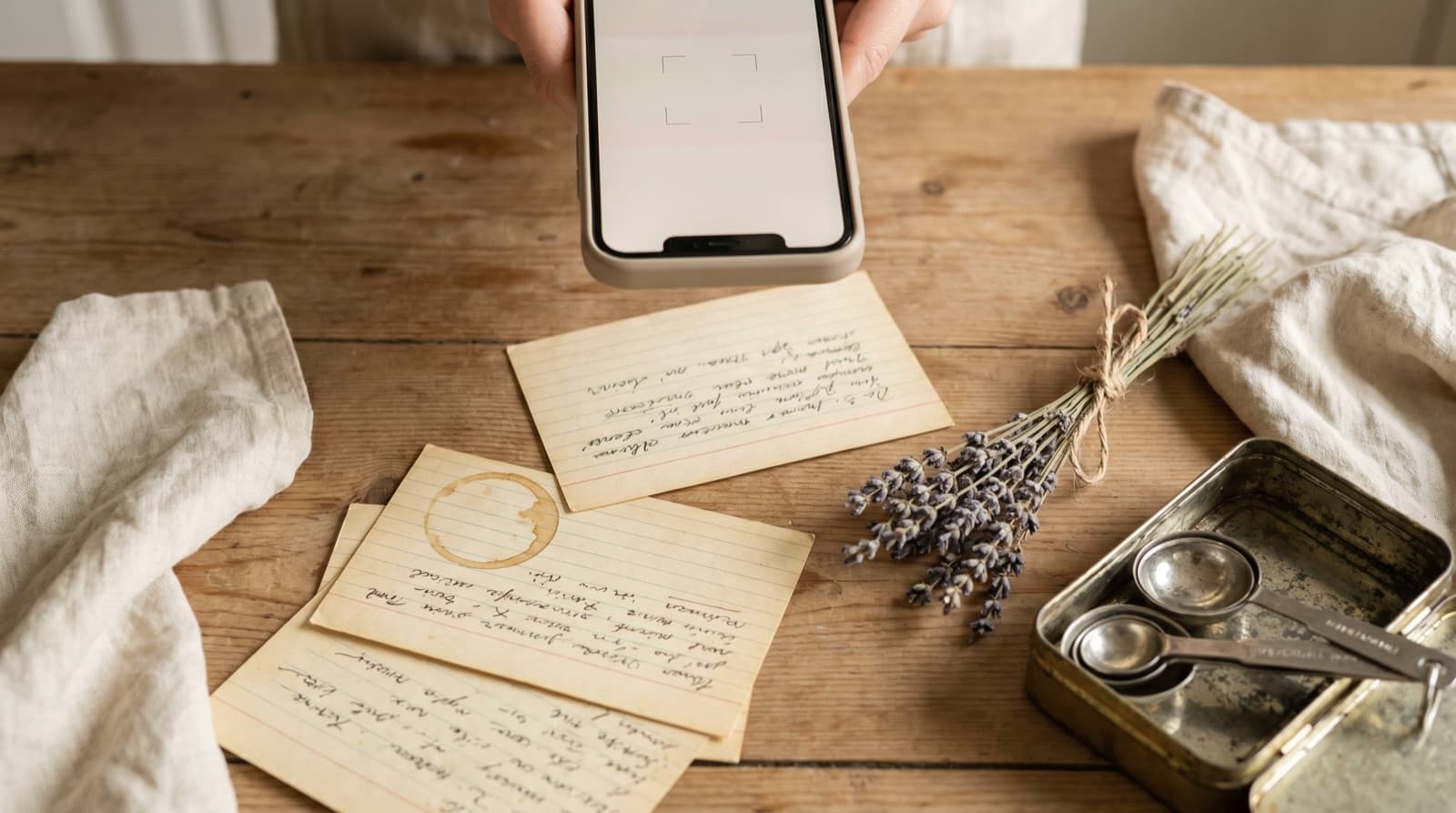
Text messages are, quietly, one of the most important recipe channels in the US — that’s how family recipes actually travel now, more than cookbooks. Your mum types out her chicken soup from memory and hits send. Your colleague texts a link to the New York Times cooking piece she swears by. Your friend photographs the card she meant to bring over and sends it instead. All genuinely useful; none of it in a format that survives the week.
The problem isn’t carelessness. It’s that iOS Messages is built to send things, not to store them — and recipes require the exact opposite.
Why iMessage Recipes Disappear
iMessage doesn’t have anything like a favourites shelf or a recipe box. What it does have is a set of features that each look like a solution until you try to cook from them.
1. Pinned messages buy you a week, not a year. You can pin up to nine messages per conversation in iOS 16 and later, surfacing them at the top of the thread. For something you’re cooking this week, that’s just about useful. For a recipe you want to return to eventually, the pin slot is occupied by something more urgent within a few days, and nine slots across every conversation fills fast. Even if the pin survives, tapping it opens the message — not a recipe you can search by ingredient or turn into a shopping list.
2. The Links section is a link graveyard. iOS automatically collects every URL shared in a thread into a “Links” section under the contact’s name — a useful way to find a URL you half-remember seeing. But a link to a recipe is still a link to a recipe: tap it and you’re back on the blog with the 1,500-word life story, the pop-up asking for your email, and the quantity hidden three scrolls down. The link didn’t become a recipe; it’s still a URL.
3. Recipe links opened in Safari become Safari bookmarks. Tapping “Add to Reading List” or bookmarking the page swaps the problem from a chat graveyard to a browser graveyard. Most Reading Lists and bookmark folders are exactly as browsed as the recipe TikTok saves people don’t open — which is to say, barely. We wrote about why saving recipe websites fails and the browser is a big part of that story.
4. Typed-out recipes are messages, not recipes. Your mum’s chicken soup, typed from memory, arrives without consistent formatting, probably with no quantities on some ingredients (“a good glug of olive oil”), and in a thread that’s 800 messages long by the time you want to cook it. There’s nothing to search, nothing to scale, and no way to check which ingredient you’re missing before you leave for the shop.
5. Recipe photos go into the camera roll abyss. A photo of a recipe card, a cookbook page, or a handwritten note is saved to Photos when you tap and hold it — and then it’s in the camera roll, an unsearchable image between a parking receipt and last weekend’s brunch. We covered this specifically in our guide on photographing cookbook pages into digital recipes, because the photo is never the last step.
This is part of a bigger pattern we’ve called recipe fragmentation — the same recipe arriving in five different places (iMessage, WhatsApp, Instagram, email) and living usefully in none of them. The antidote is always the same: pull the recipe out of the channel and into something built for cooking.
The Ways to Save iMessage Recipes, Ranked
Method 1: Pin it (buys a few days)
The instinct move. It works until the pin slot is needed for something else, which is usually sooner than you’d expect. And even while it’s pinned, it’s still a message: no ingredient search, no scalable quantities, no shopping list.
Method 2: Screenshot it (worse)
Screenshotting a typed recipe or a link preview feels productive for approximately one hour. Then it’s a camera roll image, which is exactly the same problem the recipe photo had, except now you have a screenshot of a chat instead of the original. We go deeper on why screenshots fail as a recipe system in how to organize recipes from Instagram and screenshots.
Method 3: Copy it into Notes (tidier, not solved)
Pasting a typed recipe into Apple Notes frees it from the chat. But now it’s an unformatted wall of text, unsearchable as a recipe, with no quantities you can scale and no shopping list attached. You can search your Notes by word, but you can’t search it by “what can I make with aubergine.” If you’ve already built up a collection of copy-pasted recipes in Notes, we wrote a whole guide on how to get recipes out of your Notes app and into something actually useful.
Method 4: Use the iOS share sheet to send it directly to a recipe keeper (the fix)
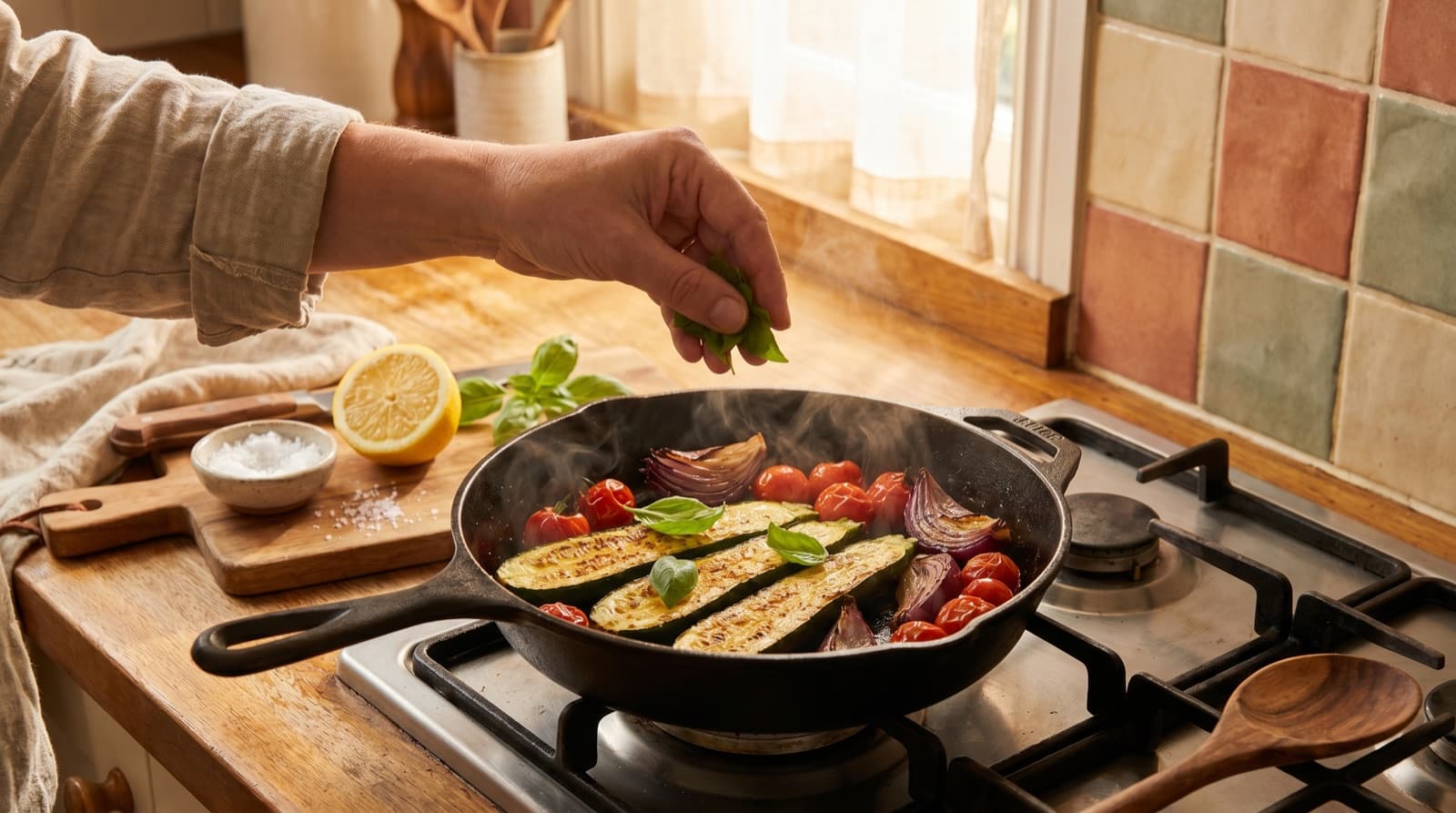
This is where iOS actually helps. The share sheet — the box-with-an-upward-arrow icon in Safari, and in many apps — is a one-tap way to send the page you’re looking at to another app. If the recipe arrived as a link, open it in Safari and tap the share icon. If Pantree is installed, it appears in the share sheet: tap it, and the app extracts the ingredients and method into a clean, structured recipe. No life story. No pop-up. No hunting for the quantities.
For typed-out text messages, tap and hold the message, copy the text, open Pantree’s import screen, and paste. The app reads the ingredients and steps out of the block of text and organises them into a proper recipe, even when the formatting is as loose as “a handful of this, some of that, cook until it smells right.”
For recipe photos, save the image to your camera roll, import it into Pantree, and the app reads the text from the image — turning a photograph of your mum’s handwritten card into a recipe you can scale and search. That last step is what separates a photo from a recipe.
What you end up with, in each case:
- Just the recipe. Ingredients and steps, nothing else. No chat context, no life story, no pop-ups.
- Real quantities you can scale. Halve it, double it, or scale it to exactly six people without mental arithmetic.
- A copy you own. If the message thread is deleted, the phone is lost, or the conversation is cleared, your recipe is still there. A text message is rented space; a recipe keeper is yours.
- One searchable library. The same import works for TikTok, Instagram, recipe websites, WhatsApp and email, so the text from your mum sits next to the TikTok you saved and the recipe website you bookmarked, all searchable by ingredient.
- A shopping list generated for you. Pick the recipes for the week, and the app deduplicates the ingredients against what’s already in your pantry.
The Three-Minute Habit That Fixes It
You don’t need to trawl back through old threads. The habit is simpler than that, and it starts from today:
- When a recipe arrives — link, text, photo — and it genuinely looks worth cooking, deal with it while it’s in front of you. Open the link in Safari and share it to Pantree, or copy the text and paste it in. It takes three minutes.
- Do not pin it, do not screenshot it, do not think “I’ll come back to this.” Coming back is what doesn’t happen.
- If it’s a photo, save it to the camera roll now, import it now. Don’t wait for “later” — later is when you need to cook and can’t find the photo.
- Once a week, pick two or three saved recipes for the coming days. The shopping list builds itself. Stuck on what to make with what you have? Our guide on what to cook with what you have walks through that side of it.
The financial case is straightforward. A household that cooks from its saved recipes instead of defaulting to takeaway because dinner felt like too much decision-making saves real money — the kind we broke down in how to save money on groceries. The recipe was never the hard part. Keeping it long enough to cook it was.
The Point
iMessage is a brilliant way to receive a recipe and a poor way to keep one. The moment a recipe arrives as a link, a photo, or a block of text, it’s already competing against every other message for your attention — and losing, because that’s what messaging apps are built to do.
The three-minute habit is the gap between a recipe you almost cooked and one you actually did. Take the recipe out of the thread and into something built for cooking, and it stops being a message you have to find again. It becomes dinner.
Frequently Asked Questions
How do I save a recipe someone sent me in iMessage?
The fastest method is to tap and hold the message and copy it, then paste the text into a recipe-keeper app like Pantree, which extracts the ingredients and method into a clean, structured recipe. If it arrived as a link, open the link in Safari, then use the share sheet (the box-with-arrow icon) to send it directly to Pantree. Either way, you end up with an editable recipe with a shopping list — not a message you'll scroll past in three days.
What is the Links section in iOS Messages, and why isn't it a recipe solution?
iOS automatically groups links shared in a conversation into a 'Links' sidebar that appears under the contact's name in the thread. It's a helpful way to find a URL you half-remember sharing, but it doesn't help with recipes: it shows you the link, not the recipe behind it. The page still has a paywall, still has a 2,000-word life story, still has no ingredient quantities you can scale. It's a link graveyard, not a recipe library.
Can I save a recipe photo sent via text?
Yes. When someone sends a photo of a recipe card, a cookbook page, or a handwritten card, save the image to your camera roll and then import it into a recipe-keeper app that reads text from photos. Pantree can pull the ingredients and method out of a clear photo and turn it into a searchable, editable recipe. Without that step, the image sits in your camera roll unsearchable — wedged between a parking receipt and a screenshot of a Wi-Fi password.
Is there an app that imports recipes from iMessage?
Pantree integrates with the iOS share sheet, so you can share a recipe link directly from Safari or Messages into the app and it extracts the ingredients and method automatically. For text messages with the recipe typed out, copy the text and paste it into Pantree's import screen. The same import works for TikTok, Instagram, Pinterest, Facebook, YouTube, WhatsApp and any recipe website, so a text from your mum ends up in the same searchable library as everything else.
Why do pinned messages in iMessage not work for recipes?
Pinned messages (you can pin up to nine per conversation in iOS 16+) surface a message at the top of the thread so you can find it again. For a recipe you'll cook this week, that's fine. For a recipe you want to cook eventually, it falls off the pin before you get there — and nine slots across all your conversations fills up quickly with things you actually need right now. It also doesn't solve the underlying problem: the recipe is still stored as a message, not as something you can search by ingredient, scale, or turn into a shopping list.
Is it OK to save a recipe someone sent me by text?
For personal use, yes. A list of ingredients isn't protected by copyright; what's protected is longer literary text. Keeping a private copy of your sister's pasta dough recipe so you can cook it whenever you like is exactly the kind of personal use recipes are meant for. The alternative — leaving it in a chat thread — means it survives only as long as the conversation does.
Get the recipe out of the thread.
Share a recipe link from Safari or paste a text message into Pantree and get a clean recipe with a shopping list — no scrolling, no pinning, no hoping you find it again. Free on the App Store.
