Free · iOS · OCR

Photograph any recipe.
Save it forever.

Your grandmother’s handwritten lasagna card. The cookbook page you keep flagging with sticky notes. The magazine clipping from 2014 that’s stuck to the fridge. Snap a photo with Pantree and it becomes a real, searchable, structured recipe in seconds.

Download Pantree on the App Store
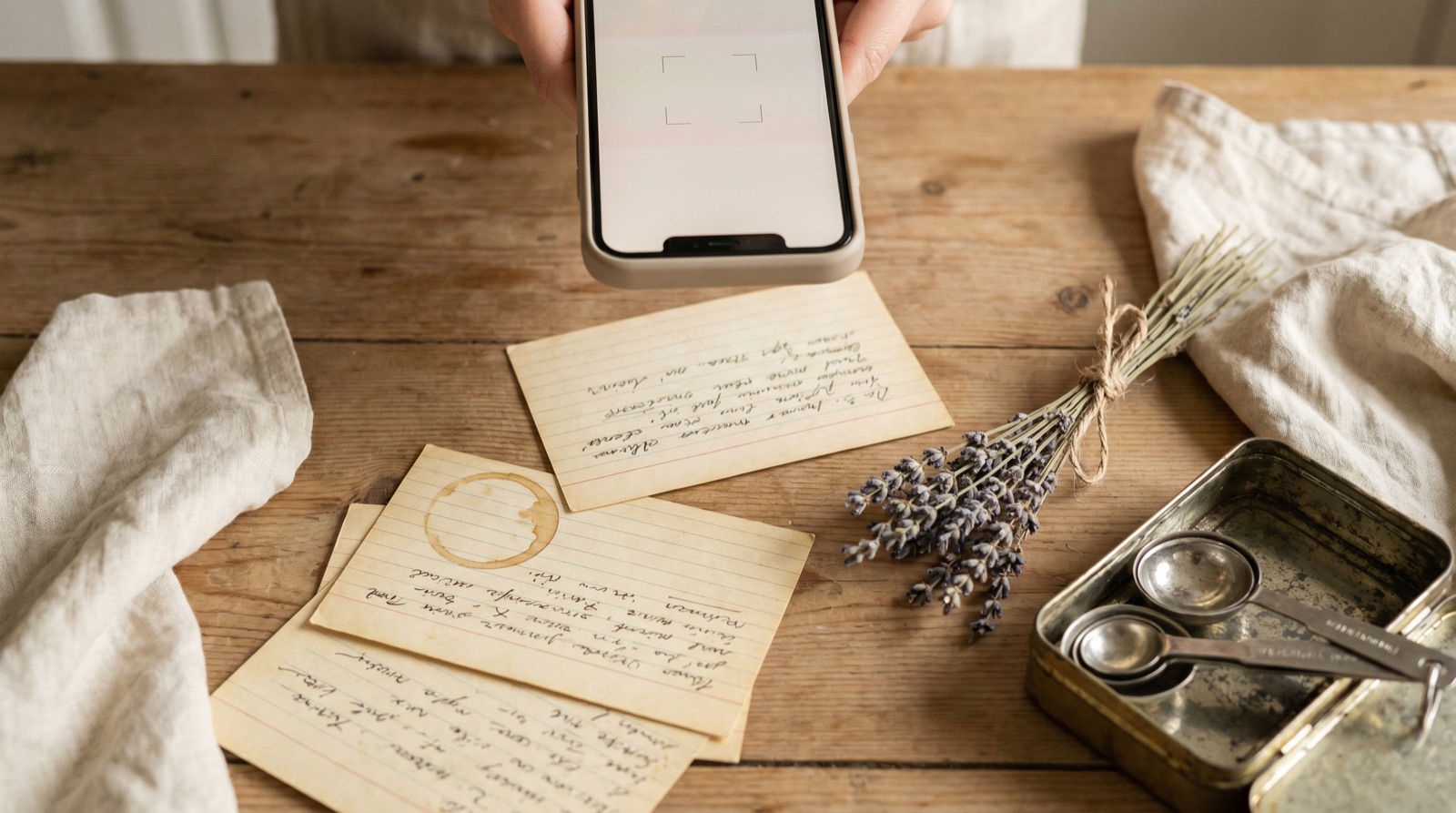
A weathered wooden tabletop with vintage handwritten recipe cards spread out, a smartphone hovering over one as if scanning it, and dried lavender and measuring spoons nearby

How it works

01
Tap + → From Photo
Open Pantree, tap the + icon to add a recipe, and choose 'From Photo'. Your camera opens.
02
Snap the recipe
Photograph a cookbook page, a handwritten index card, a magazine clipping, even a printed-out email. For multi-page recipes, capture each page in sequence.
03
Pantree reads and structures it
OCR extracts the text — including handwriting in most cases. The recipe parser then organises it into a clean ingredient list with quantities and numbered steps.
04
Review, edit, save
Pantree shows you the parsed result. Fix anything OCR got wrong (handwriting can be tricky), tap Save, and the recipe is in your library forever.

What you can scan

  • Cookbook pages — including dog-eared, sticky-noted, splattered with last week’s sauce.
  • Handwritten recipe cards — the kind passed down through families. Pantree handles most legible handwriting.
  • Magazine and newspaper clippings — including the ones stuck to your fridge from 2014.
  • Printed-out emails or PDFs — if it’s easier to scan than to retype, scan it.
  • A photo of someone else’s phone screen — if a friend showed you a recipe and you snapped a quick pic, that works too.

Why this is the killer feature for old recipes

Most recipe apps assume your recipes start digital — a URL, a social post, a typed entry. They have nothing for the boxes of index cards in your kitchen drawer, the cookbooks on your shelf, or the printout of your mother-in-law’s casserole that you’d quietly mourn losing.

Photo import is how you bring that whole archive into the same library as everything you save from TikTok, Instagram, and YouTube. One place, one search, every recipe — old and new.

Then cook from what you have

Once your scanned recipes are in Pantree, they’re connected to your pantry tracker. Pantree tells you which scanned recipes you can cook tonight with what’s already in your kitchen. See our guide on what to cook with what you have for the framework behind that.

Common questions

Does Pantree handle handwriting, or only printed text?
Both. Pantree's OCR reads printed text from cookbooks and magazines reliably, and handles most legible handwriting too. Very stylised cursive or faded ink may need light editing — Pantree always shows you the parsed result before saving so you can correct anything.
Can I scan a recipe spread over multiple pages?
Yes. Take photos of each page in sequence and Pantree combines them into a single recipe. Useful for long cookbook recipes that span two pages or handwritten cards with the method continued on the back.
What about recipes that have measurements in odd units (cups, sticks, ounces)?
Pantree preserves the original units and can also convert to metric or imperial in the app settings. So a recipe scanned from a US cookbook in cups can be displayed in grams when you cook it, without losing the original.
How is this better than typing the recipe in manually?
Time. A handwritten card might take 5–10 minutes to type into a notes app — and you have to format the ingredients yourself. Photo-to-recipe takes 30 seconds and you get a structured recipe with ingredients separated from steps, plus integration with your pantry.
Is there a limit on how many photo recipes I can import?
Photo imports count toward your monthly recipe import quota — 10/month free, unlimited on Premium. Manual recipes (typing it in yourself) have no limit.
Can I scan a recipe in a language other than English?
Pantree supports OCR in major Western European languages and will preserve the original language in your saved recipe. Translation isn't automatic yet but is on the roadmap.

The shoebox of cards. Digitised.

Pantree is free to download. Scan your first recipe in under a minute.

Download Pantree on the App Store

Free · iOS · No credit card needed