How to Save Recipes from a Spreadsheet (Excel & Google Sheets)
The recipe spreadsheet is a classic home-cook workaround. Here’s how to migrate out of it into something you can actually cook from.
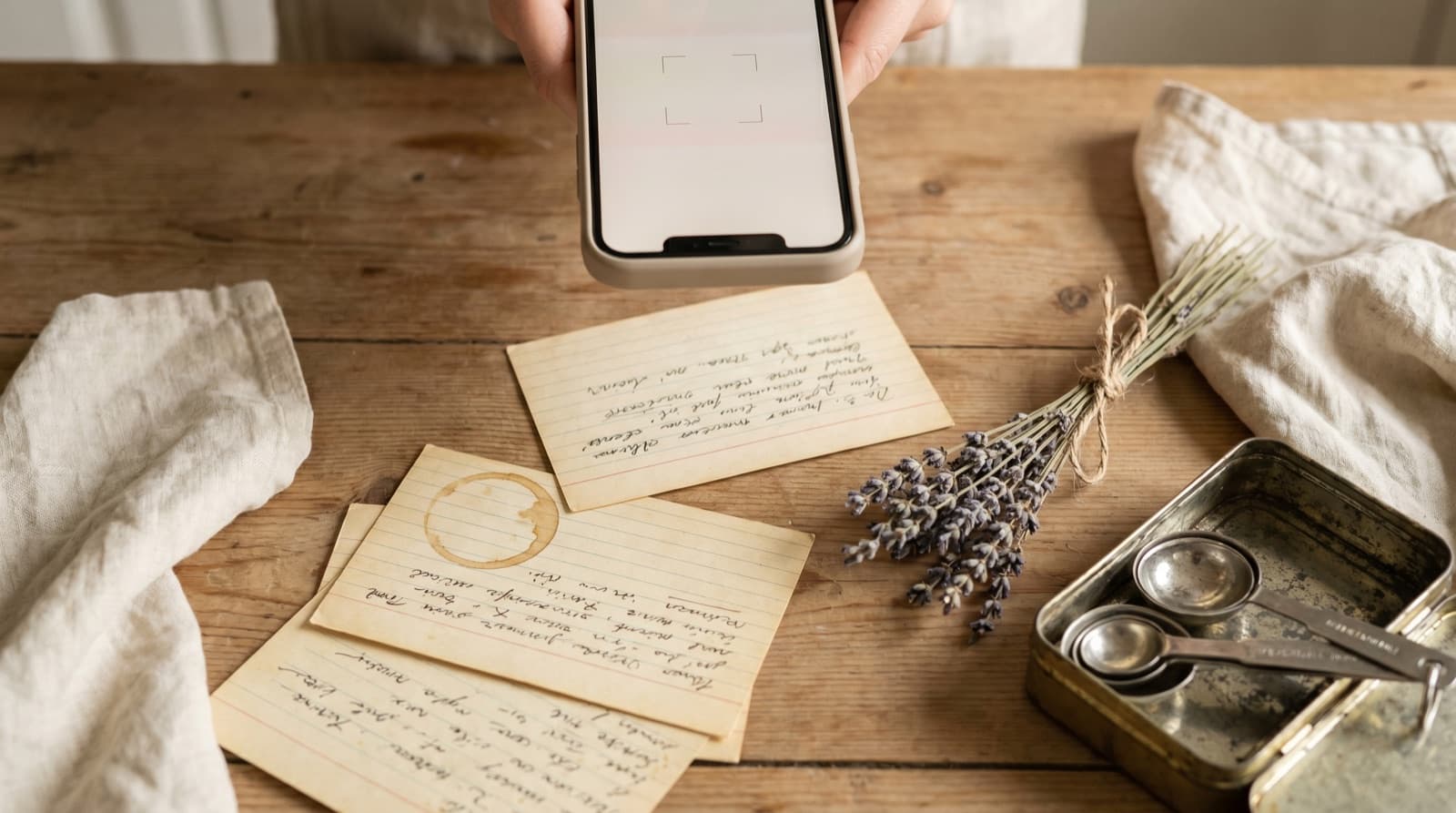
Somewhere between the first time you realised you’d saved the same Ottolenghi recipe in four different places and the fourth time you couldn’t remember where you’d put the tahini dressing, you built the spreadsheet. It seemed sensible at the time. Spreadsheets are good at organising things. You know how to use them. You added columns for cuisine type and prep time and a notes field for substitutions, and for a while it felt like you’d solved the problem.
The spreadsheet hasn’t actually solved the problem. It’s relocated it. Your recipes are no longer scattered across Instagram saves, browser bookmarks, and torn-out magazine pages — they’re all in one place. But that one place is a table optimised for data entry on a laptop with a keyboard, not for cooking from on a phone propped against the backsplash. The spreadsheet knows where your recipes are. It just can’t do anything useful with them.
What the Recipe Spreadsheet Actually Is
Most recipe spreadsheets are one of two things, or some combination of both.
The first type is an index of links: a list of recipe names with a URL column pointing back to the original website. This solves the “I can’t remember where I found this” problem but creates a new one — every recipe lives on a site you don’t control. The site redesigns and the URL breaks. The recipe goes behind a paywall. The food blog closes. We covered the browser bookmark version of this problem in our guide to saving recipes from browser tabs; the link-index spreadsheet has the same vulnerability.
The second type is a recipe paste: the ingredients and method copied directly into cells. Usually the ingredients end up in one giant cell with line breaks, the method in another. This solves the broken-URL problem but creates a different one: the recipe is now a block of unformatted text in a cell that wasn’t designed to hold it. You can’t scale a text blob. You can’t pull an ingredient list out of it automatically to generate a shopping list. And reading it on a phone requires zooming in, scrolling sideways, and losing your place after every step.
Three Things a Spreadsheet Cannot Do That a Recipe App Can
Scale quantities automatically
If a recipe serves four and you’re cooking for nine, you need to multiply every quantity by 2.25. In a spreadsheet where the quantities are embedded in prose — “300g plain flour, sifted” — you do this mentally, or you stop cooking to open a calculator. In Pantree, you tap a number and every quantity in the recipe adjusts instantly. This sounds like a minor convenience until you’re trying to scale a cake recipe mid-mix and realise “a quarter of a teaspoon, times 2.25” is not a calculation you want to attempt while your hands are covered in butter.
Generate a shopping list
Adding a recipe to a shopping list from a spreadsheet means reading each ingredient, deciding what you need to buy, and typing it into a separate list somewhere else. A recipe app that understands ingredient structure can do this in one tap: add to shopping list, everything parses, quantities adjust for serving count, and duplicates across multiple recipes are combined automatically. The UN Food and Agriculture Organisation estimates that roughly a third of all food produced globally is wasted; most household waste comes from buying without a list. Getting a proper shopping list out of your recipe collection matters more than it sounds.
Work from a phone while you cook
Spreadsheets are built for desktop use. Even Google Sheets on mobile is usable in the same way a screwdriver is usable as a chisel: technically possible, deeply unpleasant. Recipe apps are built for the cooking context specifically — large text, step-by-step navigation, the ability to tap through to the next step without having to scroll a cell. The ergonomic difference between cooking from a spreadsheet and cooking from a recipe app is not subtle.
How to Migrate Your Recipe Spreadsheet
There is no shortcut that works for every spreadsheet, because every recipe spreadsheet is different. The column structure you built, the way you formatted ingredients, the number of recipes involved — all of it is bespoke. What works consistently is a recipe-by-recipe approach in Pantree:
- Start with what you actually cook. Most recipe spreadsheets have a tail of aspirational additions that have never been made. Before migrating, sort by “last cooked” or scan down the list honestly: anything you’ve had for 18 months without cooking is probably not worth migrating. This is a curation opportunity as much as a migration.
- Copy the ingredients into Pantree. Open Pantree, tap the plus icon, add the recipe title, and paste the ingredients column content into the ingredients field. Pantree’s ingredient parser handles unstructured text: “2 large onions, finely diced” becomes a correctly structured, scalable ingredient. If your spreadsheet uses a row-per-ingredient layout, copy each row; if it uses a prose blob, paste the whole thing and Pantree will parse it line by line.
- Transfer the method. If your method is in a single cell as one block, break it into numbered steps as you paste. The extra two minutes here makes the recipe genuinely usable when you’re cooking — you can tap through step by step instead of scrolling through a wall of text.
- Add the source URL or attribution. If the recipe originally came from a website, paste the URL. Pantree stores it alongside the recipe card so you always know where it came from, without depending on the URL staying live.
- Repeat, working down your most-used recipes first. A typical recipe takes 3–5 minutes to migrate. Twenty recipes is an afternoon. If your spreadsheet has hundreds of entries, don’t try to do it in one sitting — migrate a handful each time you cook, pulling the recipe you’re about to use out of the spreadsheet and into Pantree first.
What to Do with the Spreadsheet Afterwards
Keep it for a month as a reference while you’re migrating. Archive it once you’re confident everything worth keeping has been moved. Don’t delete it immediately — there’s no urgency and it may contain recipes you’ve forgotten about that are worth recovering.
If you want to keep a spreadsheet running alongside Pantree, the most useful thing it can do is act as a pure index: recipe name, cuisine type, primary protein, rough prep time, and a note on occasion (“weeknight,” “dinner party,” “batch cooking”). That’s the kind of structured, tag-based filtering that spreadsheets do well. The actual recipe content — ingredients, method, shopping list — lives in Pantree, which was designed for it.
The same migration logic applies wherever your recipes currently live: a Notes app graveyard, a Google Doc with everything pasted in, an Evernote notebook. The underlying problem is the same: a tool designed for text storage, pressed into service as a recipe keeper, that works well for adding recipes and badly for cooking from them. Pantree exists to fix that.
Frequently Asked Questions
Can I import a spreadsheet directly into a recipe app?
No recipe app — Pantree included — offers a direct Excel or Google Sheets import, because spreadsheets have no standard format for recipes. Every spreadsheet is laid out differently: some use one row per recipe with a giant text blob in a 'Method' column, others use separate columns for each ingredient, and many use an index of hyperlinks that just point back to websites. There is no universal schema for the app to parse against. The practical solution is to work recipe by recipe: paste the ingredients into Pantree, type the method, and you end up with clean, structured recipe cards rather than the flat-table approximation a spreadsheet forces you into.
Is there a way to convert an Excel recipe spreadsheet automatically?
Tools like ChatGPT can read a spreadsheet and reformat each row as a text recipe that you then paste into a recipe app. This works reasonably well for simple spreadsheets where ingredients and method are in discrete columns. It fails on the common 'everything in one cell' layout, where the full recipe text is pasted into a Notes column, because there is nothing structured to extract — the app has to treat it as a prose blob. For most home-cook spreadsheets, the fastest path is to copy each recipe into a keeper manually: Pantree parses unstructured ingredient text, so the ingredients column pastes in cleanly.
What is the best format for storing recipes in a spreadsheet?
If you want to stay in a spreadsheet, the cleanest format is one row per recipe with dedicated columns for: title, source URL, cuisine, main protein, estimated cook time, serving count, and a notes field. Keep ingredients and method out of the spreadsheet entirely — link to the original URL instead. This turns the spreadsheet into an index (which spreadsheets do well) rather than a recipe keeper (which spreadsheets do badly). When you actually want to cook something, open the linked page or the app you've migrated to.
Why is a spreadsheet bad for recipes?
Three reasons, in increasing order of annoyance. First, you cannot scale a recipe stored as text: if a recipe serves four and you're cooking for seven, you need to do the maths manually in your head or in a separate cell. A recipe app that understands ingredient quantities does this automatically. Second, you cannot generate a shopping list from a spreadsheet without reformatting every recipe first — the quantities are buried in prose. Third, spreadsheets are built for desktop use with a keyboard and mouse, not for a phone propped up against the backsplash while you cook with floury hands. Recipe apps are built for exactly that context.
Should I delete my recipe spreadsheet after migrating?
Not immediately. Keep it for a month as a reference while you migrate — it's useful to have the full picture in one place as you go. Once you've moved everything worth keeping, you can archive it. A useful filter before you delete: if you've had a recipe in the spreadsheet for more than 18 months without cooking it, consider whether it's worth migrating at all. The spreadsheet probably contains a few recipes you genuinely want and a larger tail of aspirational additions you'll never actually make. Migration is a good opportunity to curate.
Can Pantree replace a recipe spreadsheet entirely?
For the actual recipe cards, yes. For the meta-tracking some people use spreadsheets for — ratings, dates cooked, meal plan scheduling — Pantree handles ratings and cook history natively. If you've built a detailed scoring or rotation system in your spreadsheet, some of that is bespoke enough that you might keep a simplified spreadsheet alongside. But the core job of the recipe spreadsheet (store the recipes so I can find them later) is exactly what Pantree does, and does it in a format designed for cooking rather than data entry.
Get your recipes out of the spreadsheet.
Pantree turns pasted ingredient text into a scalable recipe card with a built-in shopping list. 3–5 minutes per recipe, free on the App Store.
