How to Save Recipes from Library Apps (Libby, OverDrive & Borrowed eBooks Before They Expire)
You found a recipe worth making. The loan expires in four days. Here’s how to keep it permanently.
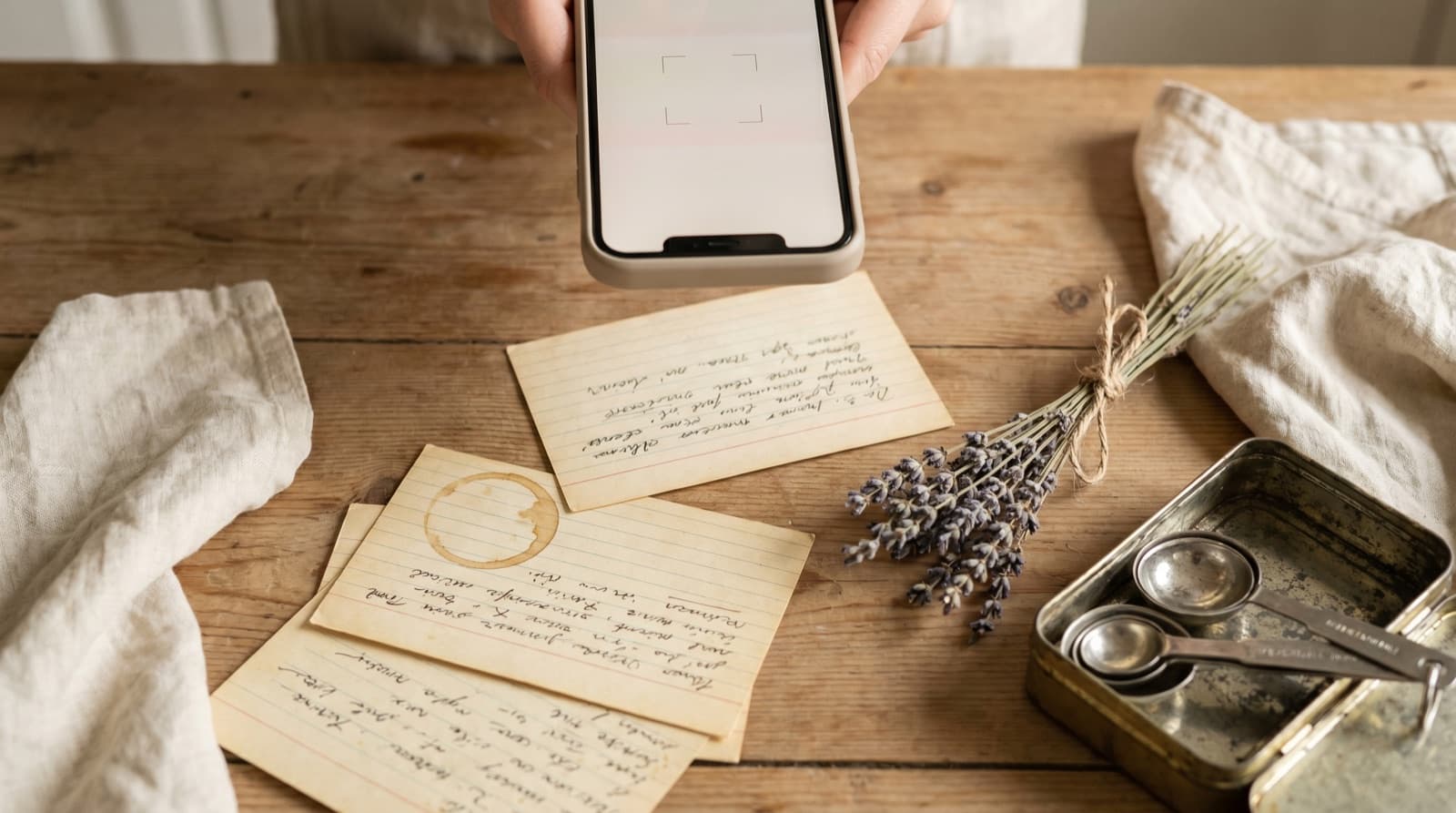
Libby is genuinely one of the best things to happen to home cooking in years. For the price of a library card — which is usually free — you can borrow almost any cookbook published in the last decade. The Libby app has over 90,000 five-star reviews in the App Store. Tens of millions of people use it. And millions of those people have done exactly what you have done: borrowed a cookbook, dog-eared a recipe they meant to cook, and then returned the book — or had it returned automatically — before they got around to making it.
The loan expiry problem is structurally different from most recipe fragmentation problems. With TikTok or Instagram, the content might disappear eventually; with a Libby loan, it disappears on a known date. You can see it coming. The countdown is right there in the app. And yet people still lose recipes to it, because the gap between “I should save this” and “I will actually do it now” is exactly three weeks wide.
How Libby Loans Work (and Why They’re a Trap for Recipes)
Libby loans typically last 14 or 21 days, set by the lending library. When the loan expires, the ebook is returned automatically — no action required on your part, which sounds like a feature but is a problem if you haven’t saved what you wanted from it. The DRM (digital rights management) technology that governs library ebooks removes access the moment the loan ends. There is no warning beyond the notification Libby sends 24 hours before expiry. There is no offline copy left on your device.
You can renew, but only if no one else has requested the title. Popular cookbooks — anything by Ottolenghi, Nigella, or Alison Roman — routinely have waiting lists. If the book you borrowed is popular, renewal probably isn’t available to you, and re-borrowing means joining a queue that might be weeks long. By the time you get the book again, you’ve probably forgotten which recipe you wanted.
This is the same underlying problem as Kindle Unlimited cookbooks — content you have temporary access to rather than own. The difference is that Libby’s expiry is non-negotiable and calendar-visible. At least with a Kindle Unlimited subscription you can keep the book as long as you stay subscribed.
The Three Ways People Try to Save Libby Recipes (and Why They Fail)
1. Bookmarking the page in Libby
Libby has a bookmark feature that marks a page within the book. What it does not do is save any content from that page. When the loan expires, the bookmark becomes a dead reference: it records that you once marked a page in a book you no longer have access to. Completely useless.
2. Screenshotting the pages
Screenshots give you an image of the cookbook page. That’s better than nothing — at least the content is off the platform — but it creates the same problem as every other recipe screenshot: the ingredients aren’t searchable, the quantities can’t be scaled, and the image is buried in your camera roll under everything else. We covered this in detail in our guide to saving recipes from your camera roll. A screenshot is a holding pen, not a home.
3. Renewing or re-borrowing and doing it “next time”
This is the most common failure mode and the one you already know about, because it’s probably how you found this post. Next time never arrives on its own. The book comes back around, the same recipe is on page 143, and the loan is gone again before you cook it. Solving this requires a different behaviour at the discovery moment, not better intentions at the renewal moment.
What to Actually Do
The right moment to save a library cookbook recipe is when you find it, not when the loan is about to expire. The process in Pantree takes about three minutes:
- Read the full recipe before you start transcribing. Cookbook authors often put their most useful advice in the headnote — the paragraph or two of prose before the ingredients list. That’s where you’ll find the substitution that makes the recipe work in winter, the warning that the original recipe in the first edition had the oven temperature wrong, the note that this dish was inspired by a lunch in Lisbon. That context is worth keeping if you care about the recipe.
- Open Pantree and start a new recipe. Add the recipe title as it appears in the cookbook.
- Paste or type the ingredient list. Pantree parses ingredient text automatically: “200g plain flour, sifted” becomes a scalable ingredient with quantity, unit, and name. If you’re working from a US cookbook with volume measurements you want to convert to weight, Pantree handles that too.
- Type the method steps. This is the part that takes the most time, but it’s also the part that matters most — the technique is the recipe. Take your time here. Include the temperatures, the timing cues, and the visual descriptions (“cook until the edges are set but the centre still wobbles”) that tell you when something is done.
- Add a source note. Record the cookbook title, author, and page number. The recipe is now permanently yours; the note is attribution. If someone asks where it’s from, you can tell them.
A Note on Cookbooks Worth Saving From
Not every library cookbook is worth transcribing recipes from. A useful filter: does this cookbook do something you can’t replicate from a recipe blog? The books that justify the effort are usually the ones where the technique matters, the headnotes are essential, and the recipe wouldn’t make sense stripped of its context.
The genre where this is most obviously true is old or out-of-print cookbooks: regional Italian cookbooks from the 1970s that have never been digitised properly, out-of-print Claudia Roden titles, early Elizabeth David. Libraries often have physical copies of these — some also have ebook versions through specialist platforms. When you find a recipe in a book that isn’t easily available anywhere else, saving it properly is the only reliable option.
The same logic applies to cookbooks that are technically available but locked behind another kind of expiry: Kindle Unlimited cookbooks disappear if you cancel your subscription. Patreon exclusive recipes vanish when you cancel your membership. NYT Cooking recipes go behind the paywall when you cancel. The pattern is the same everywhere: temporary access is not ownership, and the right habit is to save what you care about at discovery rather than relying on continued access.
Which Library Apps Have This Problem
If you’re outside the US, your library probably uses a different app, but the problem is identical:
- Libby / OverDrive — the dominant platform in the US, UK, Canada, and Australia. Most public libraries in English-speaking countries use this.
- BorrowBox — widely used by UK and Irish public libraries, including most London boroughs and the Scottish library system.
- Wheelers eLibrary — New Zealand and Australian public libraries.
- cloudLibrary — a smaller platform used by some US and Canadian library systems as an alternative to OverDrive.
All of them use time-limited DRM. All of them return the book automatically on expiry. And in all cases, the recipe you wanted is gone the moment the loan ends.
The Habit That Fixes This Permanently
The simplest version of this habit: when you open a borrowed cookbook and find a recipe you’d actually make, save it immediately. Not “I’ll come back to it.” Not “I’ll bookmark the page.” Save it now, in a format you own, so the loan expiry date is irrelevant.
Three minutes of transcription now means you never have to wonder whether you can get the book back before the waiting list clears. It means the recipe is in the same searchable library as your TikTok finds, Instagram saves, and website recipes. One search, everything you’ve ever wanted to cook, wherever it originally came from.
Frequently Asked Questions
Can I keep a Libby cookbook after the loan expires?
No. When a Libby (or OverDrive) loan expires, the ebook is automatically returned to your library's digital collection and you lose access entirely. There is no grace period and no offline copy left on your device — Libby's DRM removes access as soon as the loan ends. If the cookbook is popular, you may have to join a waiting list weeks long before you can borrow it again. The only way to keep a specific recipe is to copy it into something you own before the loan expires.
Is copying a recipe from a library ebook legal?
Copying a recipe for personal use is generally permitted under fair dealing (UK) and fair use (US) principles. A recipe is a set of instructions — ingredients and method — and courts in both jurisdictions have generally held that recipes themselves are not protected by copyright in the same way prose is. What is protected is the author's creative expression: the headnotes, the story around the recipe, the food writing. Copying the ingredients list and method steps for your own kitchen use is widely understood to be acceptable; republishing those steps commercially or passing them off as your own would not be.
Why can't I just renew the Libby loan?
You can renew a Libby loan — but only if no one else has requested the title. Popular cookbooks from Nigella Lawson, Yotam Ottolenghi or Ina Garten routinely have waiting lists of dozens of people. Renewal is simply unavailable while anyone is in the queue. Even if you do renew successfully, that only buys you another three weeks and the same problem recurs. The more reliable fix is to save the specific recipe you want during the original loan rather than depending on renewed access.
What happens if I screenshot pages from a Libby cookbook?
Screenshots give you an image of the page, not a usable recipe. You cannot search a screenshot by ingredient, scale it for a different number of people, or pull the ingredients into a shopping list automatically. Screenshots also pile up in your camera roll alongside thousands of other photos, making them nearly impossible to find weeks later. We covered exactly this problem in our guide to saving recipes from your camera roll. The better move is to transfer the content into a proper recipe format before the loan expires.
Does Pantree work with Libby cookbooks?
Pantree doesn't have a direct Libby import — no recipe app does, because Libby's DRM prevents the kind of text extraction that would make that possible. The workflow is manual: read the recipe in Libby, open Pantree, paste or type the ingredients and method. Pantree parses unstructured ingredient text automatically, so the process is faster than it sounds — a typical recipe takes two to three minutes. What you end up with is a clean, searchable, scalable recipe card you own permanently.
Which library apps have this problem?
Any digital lending platform that uses DRM-protected ebooks: Libby (the most widely used in the UK, US, Australia and Canada — it's the app most public libraries now use for digital loans), OverDrive (the underlying platform Libby is built on), BorrowBox (popular in UK and Irish public libraries), Wheelers eLibrary (New Zealand and Australia), and cloudLibrary. All of them loan ebooks under time-limited DRM that expires automatically. Kindle Unlimited is a subscription rather than a lending service, but has the same underlying problem: cancel the subscription and the recipes go with it.
Save it before the loan expires.
Pantree turns a library cookbook recipe into a permanent, searchable card with a built-in shopping list. Three minutes now, yours forever. Free on the App Store.
