How to Save Recipes from Lemon8 (Before the Post Disappears)
Lemon8 is genuinely good for recipe discovery. The saving experience is genuinely bad. Here’s how to fix the gap.

Lemon8 launched in 2023 and, quietly, became one of the better places on the internet to find a recipe. The aesthetic is high, the content skews practical — budget meal prep, five-ingredient weeknight dinners, grocery-haul-to-dinner sequences that actually make sense — and the algorithm is more food-focused than Instagram’s has felt in years. If you are a person who cooks, you probably have a Lemon8 Favourites list that is longer than you intend to admit.
You probably also have recipes you saved six months ago that you cannot find now. Posts deleted. Creators gone. Accounts deactivated. The link still sits in your Favourites, pointing at nothing.
This is exactly the TikTok problem, one platform over. The save mechanic looks like it works. It doesn’t own the content — it only owns the pointer.
Why Lemon8’s Save Feature Falls Short
The Lemon8 Favourites system has four problems, all of which are structural rather than bugs:
1. You’re saving a link, not a recipe
When you favourite a Lemon8 post, you are saving a reference to content hosted on someone else’s account. If the creator deletes the post, edits it to remove the recipe, deactivates their account, or gets removed from the platform, your saved post becomes a dead link. You have no copy of the actual recipe.
2. Quantities hide in images
Lemon8’s card-based format puts a lot of recipe information into image overlays — text baked into photos rather than plain text you can select or copy. Ingredient quantities, ratios and temperatures frequently appear this way. This makes the recipe harder to work with even when the post is live, and makes it genuinely inaccessible if you are using any kind of assistive technology.
3. No ingredient search
Lemon8’s search covers the public feed, not your personal saves. There is no way to query your Favourites for “courgette and lemon” or “under 30 minutes” or “high protein.” A library of saved posts you cannot filter is a pile, not a collection.
4. It doesn’t connect to your kitchen
A Lemon8 save cannot generate a shopping list. It cannot tell you whether you already have the ingredients. It cannot scale the recipe for two instead of four, or flag that three of your saved recipes this week all call for the same half-head of cabbage. That kind of cross-recipe thinking is only possible when recipes live in a system that knows what a recipe actually is.
How Lemon8 Recipes Tend to Be Structured
Understanding the format helps you extract recipes more reliably. A typical Lemon8 recipe post has:
- A cover card with the finished dish and a title — often the most visually polished part, and not where the recipe information lives.
- An ingredients card — sometimes plain text in the caption, more often text overlaid on a styled image. Watch for portions that appear only in the image and not in the post text.
- Step cards — one per cooking stage, each with a photo and a caption. Steps are sometimes numbered, sometimes not.
- A notes card — tips, substitutes, and serving suggestions, often the most useful part and the one most commonly skipped when saving.
The comment section is worth checking before you close the post. Creators frequently add important clarifications there: oven temperatures that weren’t in the original post, the brand of an ingredient that matters, corrections to a ratio that was wrong in the first version.
The Method That Actually Works
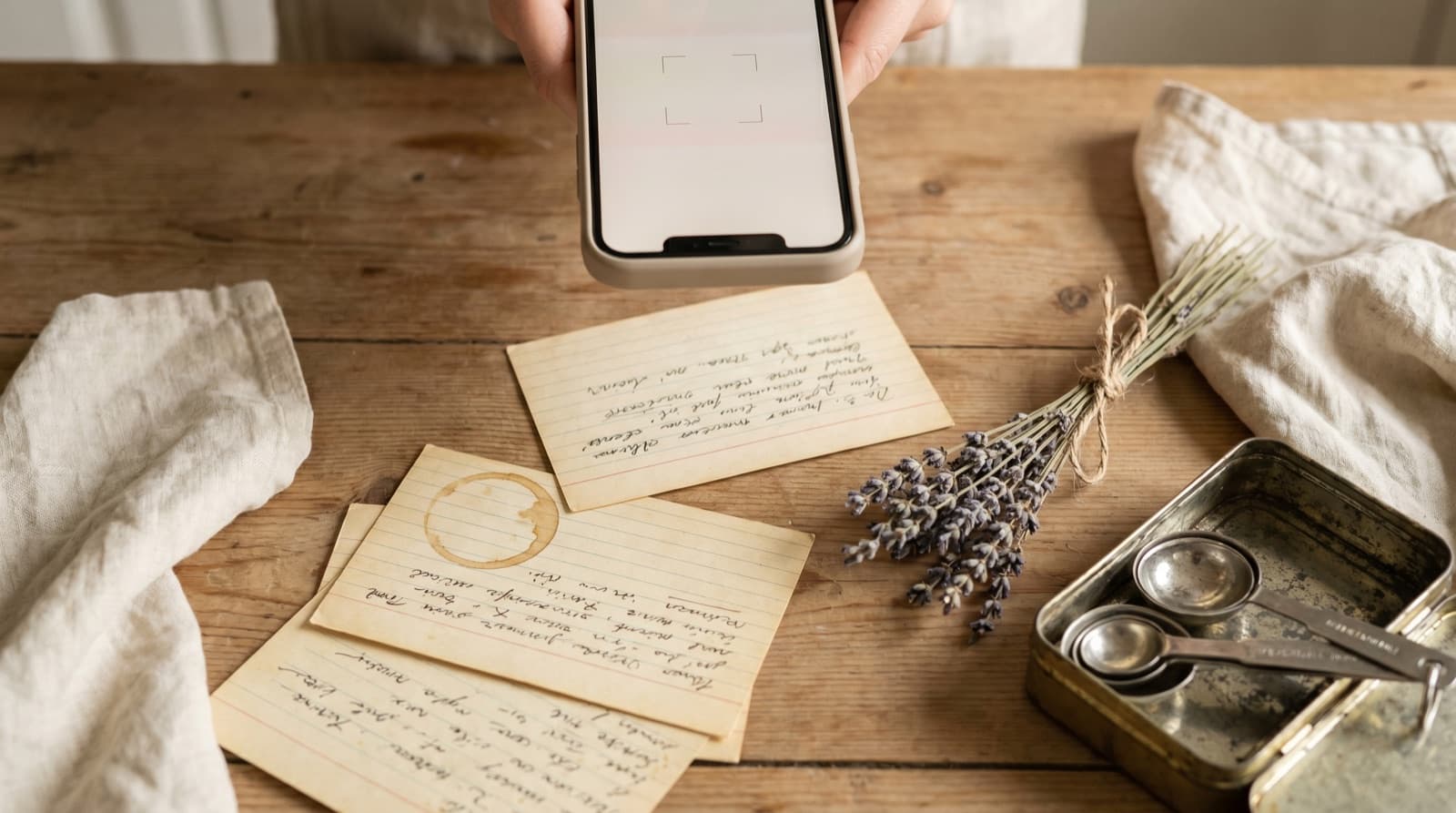
The only way to permanently own a Lemon8 recipe is to put the content somewhere you control. The simplest version of this is pasting it into a note. The practical version is putting it into a proper recipe keeper so it is searchable, scalable, and usable when you plan meals.
In Pantree:
- Swipe through the full Lemon8 post first. Read all the cards, including the notes card and the first twenty or so comments. Screenshot any card where the ingredient quantities appear only in the image.
- Open Pantree and start a new recipe. Add the title from the Lemon8 post.
- Paste or type the ingredient list. Pantree parses unstructured text — “3 cloves garlic, minced” becomes a proper ingredient with quantity, unit, and name. Correct any quantities from your screenshots.
- Add the method steps. Type each step from the Lemon8 cards. Incorporate any clarifications from the comments.
- Add a source note. Paste the Lemon8 post URL and the creator’s handle. If the post disappears, the recipe survives; the note is just attribution.
The process takes about three minutes for a typical Lemon8 recipe post. What you end up with is a recipe card you own: searchable by ingredient, scalable to any serving size, part of the same library as your TikTok finds, Instagram saves, and website recipes. One search covers all of them.
The Platform Question
Lemon8 is owned by ByteDance, the same parent company as TikTok. That has meant it has been subject to the same legislative uncertainty in the US market — the same App Store removal threats, the same periods of inaccessibility. If you have been saving recipes on Lemon8 for any length of time, you have already experienced at least one moment when the app was harder to access than usual. You may experience more.
None of this requires predicting the future of the app. The point is simpler: a recipe that only exists on one platform you do not control is a recipe you are borrowing, not owning. Copying it takes three minutes. The risk it disappears — whether through platform instability, creator churn, or a content policy change — is non-zero and ongoing.
The same is true of every platform in this situation: Snapchat, Bluesky, Threads. The recipes you care about deserve a home that is not contingent on a company’s future. Save them once, and they are yours regardless.
A Habit Worth Building
Not every Lemon8 recipe is worth the three-minute save. A good heuristic: if you screenshot it, save it properly. A screenshot means you thought you might make it; a screenshot in your camera roll means you almost certainly won’t. We covered why camera roll screenshots fail as a recipe library in our guide to saving recipes from your camera roll.
The Lemon8 content that earns a proper save is usually the recipe where the creator has clearly tested it multiple times: the post with a notes card explaining what went wrong the first time, the comment thread where they answered every ratio question, the follow-up post six months later saying they still make it every week. That kind of recipe is genuinely worth keeping, and genuinely worth the effort of keeping it somewhere reliable.
Frequently Asked Questions
Can I save recipes directly in Lemon8?
You can bookmark posts in Lemon8, and the app has a Favourites feature that collects saved content. The problem is this library is trapped inside Lemon8: you can't search it by ingredient, you can't scale quantities, and you can't generate a shopping list from it. More practically, if a creator deletes their post or their account, your bookmark vanishes with it. A Lemon8 bookmark is a link to someone else's content, not a recipe you own.
Do Lemon8 recipes disappear?
Yes. When a creator deletes a post, edits the recipe (sometimes changing it significantly), deactivates their account, or when Lemon8 removes content for policy reasons, any bookmark you had stops working. This is the same failure mode as saving a TikTok or Instagram post — you're holding a pointer to content you don't control, not the content itself. The only way to actually keep a recipe is to copy the ingredients and method into something you own.
What's the best way to save a Lemon8 recipe properly?
Copy the ingredient list and method from the Lemon8 post into a dedicated recipe keeper like Pantree. The whole process takes about two minutes: open the recipe in Pantree, paste in the ingredients (Pantree parses them automatically), type out the method steps, and save. What you end up with is a clean, searchable recipe card you own — independent of Lemon8, the original creator, or any platform decisions made in the future.
Is Lemon8 good for finding recipes?
For discovery, yes — Lemon8 is particularly strong for aesthetic recipe content, grocery hauls that turn into dinner ideas, and budget meal prep posts. The visual format suits recipes where presentation matters. The weakness is in depth: ingredient quantities often appear as image overlays rather than searchable text, method steps are split across multiple cards and easy to miss, and comment threads where creators clarify ratios or substitutes don't surface in search. It's a good place to find ideas and a poor place to store them.
Can I search my saved Lemon8 recipes by ingredient?
No. Lemon8's search covers public posts, not your personal saves. You can scroll through your Favourites, but there's no way to ask 'what have I saved that uses courgette and lemon?' or filter by cuisine or dietary requirement. Once you've built up more than a handful of saved posts, finding the specific one you want becomes guesswork. Moving the recipes you care about into a dedicated keeper solves this immediately.
Does Pantree work with Lemon8?
Pantree doesn't have a direct Lemon8 import, but the workflow is straightforward: read the Lemon8 post, paste or type the ingredients and method into a new Pantree recipe, and save. Pantree parses unstructured ingredient text automatically, so 'two cloves garlic, minced' becomes a properly formatted, scalable ingredient in the recipe card. The result is yours permanently — searchable, scalable, and part of the same library as everything else you cook from.
Keep the recipe. Not just the bookmark.
Pantree turns a Lemon8 recipe into a permanent, searchable card with a built-in shopping list. Three minutes now, yours forever. Free on the App Store.
